

Introduction
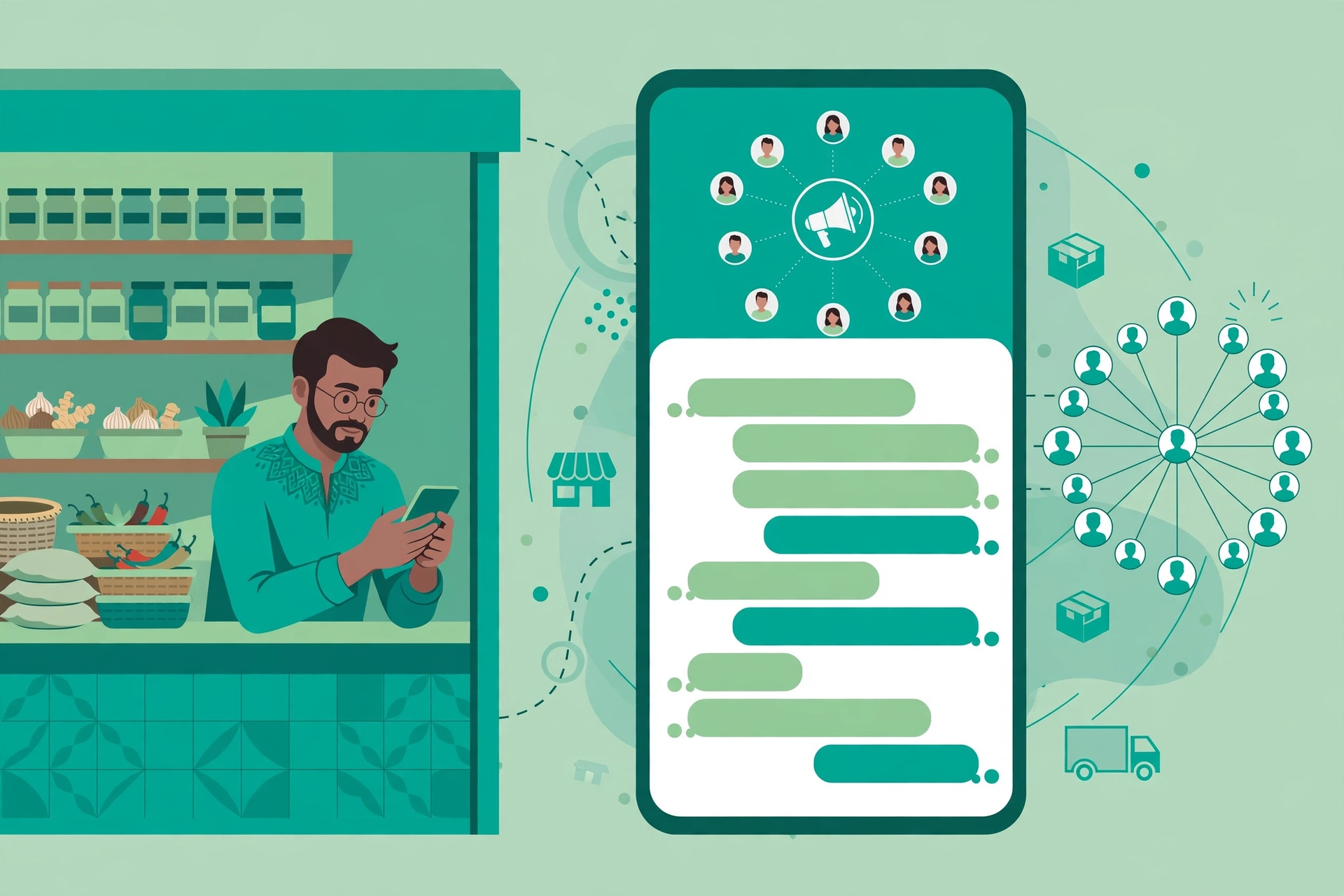
Your customers check WhatsApp constantly through the day, in a way they never check email, and that single fact makes it the most powerful marketing channel for a small business in India. With over 500 million active WhatsApp users in India, message open rates cited at 85 to 98 percent against 20 to 25 percent for email, and a free business app that takes under half an hour to set up, WhatsApp marketing for small business India is the rare channel that is both cheap and effective. A customer who messages you on WhatsApp is already warm, and the conversation that follows converts far better than a website enquiry form. This guide gives you seven steps in order, from setting up your profile to running your first broadcast and your first ad, plus the consent rules that keep your number safe.
Why WhatsApp Marketing Works So Well in India
WhatsApp works in India because it is where daily life happens. It cuts across age groups, income levels and cities in a way no other platform comes close to matching: a customer in a metro and a customer in a small town both open the same app dozens of times a day. A message sent on WhatsApp is read within minutes, not hours, and a reply comes back as a conversation, not as a form submission that sits unread in an inbox. For a local business, WhatsApp marketing does three things better than almost anything else. First, it turns a one time buyer into a repeat customer, because you can follow up, share new stock, and remind them about offers without paying for an ad each time. Second, it generates reviews and referrals, because a happy customer can share your number or your catalogue with a friend in seconds. Third, it builds trust, because customers can see your products, ask questions, and pay without leaving the chat.
WhatsApp Business App vs WhatsApp Business API
Most small businesses should start with the free WhatsApp Business app and only add the API once message volume or automation needs genuinely outgrow it. The app is free, it runs on one phone number, and it gives you a business profile, a product catalogue, automated greeting and away messages, quick replies, labels, and broadcast lists of up to 256 contacts. It handles one or two conversations at a time and suits a business with fewer than 100 conversations a month. The WhatsApp Business API is the paid option for larger volume: it adds bulk broadcasting to opted in contacts, chatbots, multi agent support, CRM integration, analytics and delivery tracking, and official green tick verification. API pricing is per conversation, cited at roughly Rs 0.7 to Rs 0.9 for a marketing conversation in one guide and Rs 0.35 to Rs 0.70 in another, with provider plans cited from Rs 1,500 a month to Rs 30,000 a month depending on volume and features. As of 2026, a Coexistence feature also lets businesses run the free app and the paid API on the same number simultaneously. Start with the app, grow your list, and upgrade only when your volume proves you need it.
7 Steps to Start WhatsApp Marketing for Small Business India
Step 1: Set Up Your WhatsApp Business Profile Properly
Download the WhatsApp Business app, which is completely free on Android and iOS, and set up your profile properly before you message anyone. Add your business name, a clear description of what you sell, your address, your opening hours, your email, and your website or Instagram link. Upload a real logo or a clear photo of your shop as the profile picture, because customers trust a real photo more than a blank icon. Choose the right business category, add your location, and write a short description in plain words that says what you do and who you serve. This takes under 30 minutes: a customer who finds your number should be able to see at once that you are a real business, what you sell, and when you are open.
Step 2: Build a Product Catalogue Customers Can Browse
The product catalogue is the most underused feature of WhatsApp Business, and it is the one that turns chats into sales. It is a built in tool that lets you showcase your products or services directly inside the app, with photos, descriptions and prices, so a customer can browse without visiting your website. Add every product you sell, with a clear photo, a plain description, and an honest price. According to Meta WhatsApp Business documentation, businesses that use catalogues see significantly higher engagement from new customers who discover them through WhatsApp. Keep the catalogue current: remove items that are out of stock, update prices when they change, and add new arrivals the day they come in.
Step 3: Grow Your List With Opt In, Not Shortcuts
Your list is your most valuable asset, and it must be built with permission. WhatsApp marketing works on an opt in basis: customers must save your number and agree to receive messages for your broadcasts to reach them. Collect numbers at every customer touchpoint: at the counter, on your bill, on your website, on your Google profile, and on your Instagram page. Ask new contacts to save your number, because broadcast messages only reach contacts who have saved it. Never add people to a broadcast list without their permission: it violates WhatsApp terms of service and risks your account being reported and banned. Never buy or scrape number lists, because messaging people who never opted in is the fastest way to lose your number. Grow slowly and honestly, and your list will be small but warm, which is worth far more than a large list of strangers who block you.
Step 4: Set Up Quick Replies and Automated Messages
Quick replies and automated messages save hours every week and make your business feel professional even when you are busy. Write quick replies for the questions you answer ten times a day: your prices, your timings, your delivery area, and your payment options, so you can answer in one tap instead of typing the same message again. Set a greeting message for new chats that welcomes the customer and says what you sell, and an away message for hours when you are closed, telling customers when you will reply. These are built into the free app and take minutes to set up. Answer real questions yourself, and let automation handle the routine: a customer who gets an instant, helpful answer at 9 pm is far more likely to buy the next morning than one who waits a day for a reply.
Step 5: Send Broadcasts That People Actually Want
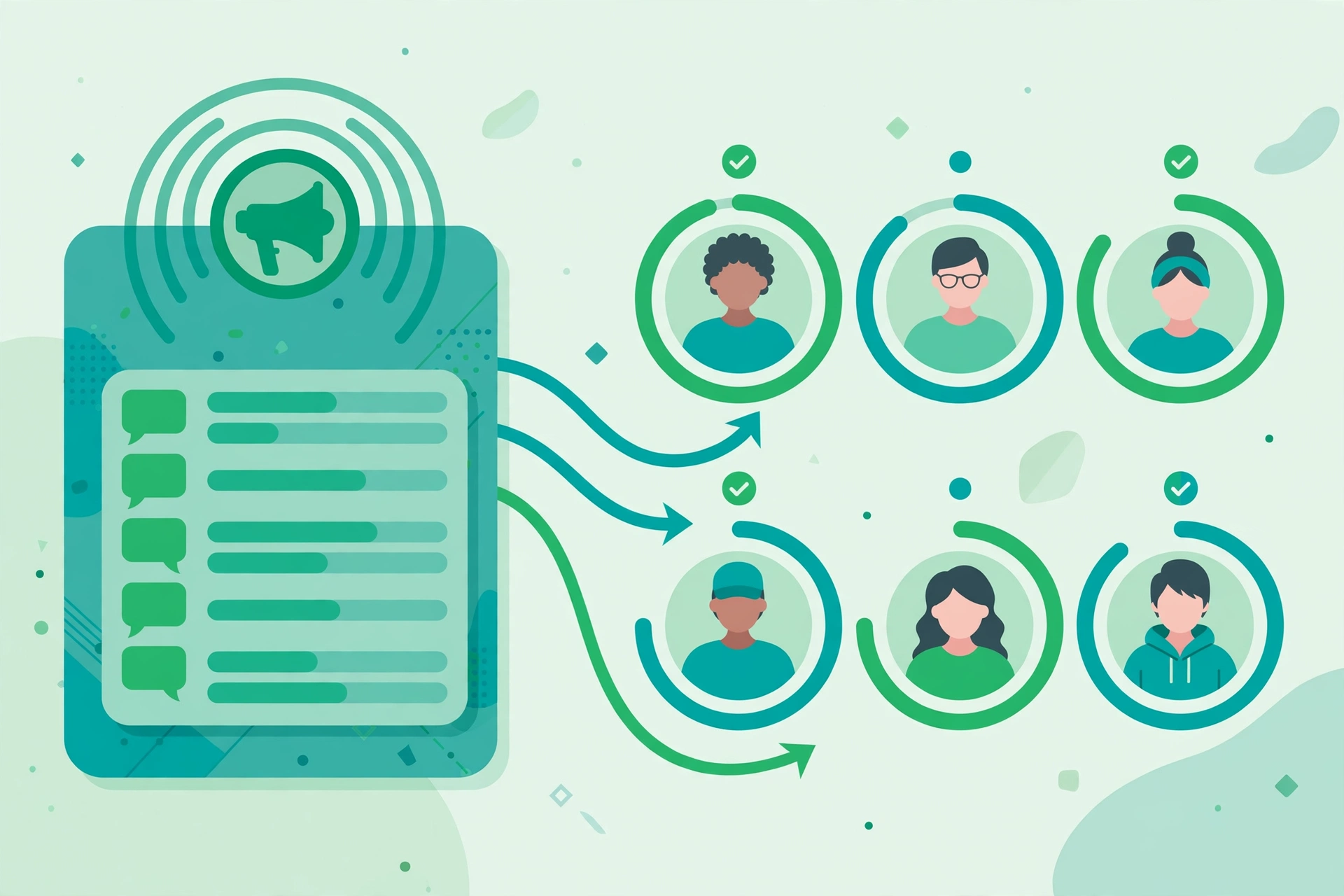
A broadcast list lets you send the same message to many contacts at once, with each person receiving it as a personal one on one message, not a group chat. Broadcasts only reach contacts who have saved your number, so your opt in work in step three decides your reach. The guides disagree on frequency, with one recommending 2 to 3 broadcasts a month and another allowing 1 to 2 a week, so take the safer limit: send 2 to 3 promotional broadcasts a month at most, because more frequent messaging leads to customers blocking your number and permanently damaging your list. Make every broadcast worth opening: a new arrival, a festival offer, or a restock of a popular item, with one clear action, such as replying to order or tapping the catalogue. Send utility messages, like order confirmations and delivery updates, whenever they are needed, because customers welcome those, but keep promotions rare and valuable.
Step 6: Grow Faster With Click to WhatsApp Ads
The fastest way to grow a warm WhatsApp list is running Click to WhatsApp Meta ads, which send users directly into a WhatsApp chat with your business. Cost per WhatsApp conversation via these ads in India is typically Rs 50 to Rs 150 for local service businesses, which is significantly lower than most website lead form costs. Start small: pick one product or one offer, write a simple ad with a clear photo and a direct message, and set a daily budget you can afford to lose while you learn. The ad should promise the conversation, not the sale: ask a question, offer a catalogue, or invite the customer to check availability. Every person who messages you from an ad is a warm lead who chose to talk to you, so reply fast, answer their question, and save their number with their permission for future broadcasts. Measure the cost per conversation and the sales that follow, and scale only the ads that bring buyers.
Step 7: Measure, Follow Up, and Improve Every Week
WhatsApp marketing fails when nobody measures it, so track four numbers every week: how many new conversations you started, how many of them turned into orders, how many people blocked or reported you, and which broadcast got the most replies. The API gives you analytics and delivery tracking, and the free app gives you enough to judge by: replies, orders, and blocks tell the story. Follow up on every open conversation within a day: a customer who asked about a product and heard nothing will buy from someone else. Ask for a review after a successful order, and ask happy customers to share your number with friends. Review your broadcasts monthly: keep the ones that sold, drop the ones that got no replies, and try one new idea each month. Small weekly improvements beat a big launch followed by silence.
3 Campaigns That Actually Work in India
Three campaigns earn their place in almost every small business. First, abandoned cart recovery: if you sell online, a WhatsApp message sent 30 minutes after a customer abandons a cart converts at 3 to 5 times email cart recovery rates, with recovery of 8 to 15 percent against 2 to 5 percent for email. Keep it friendly and short, with a link back to the cart and an offer to help. Second, festival and restock announcements: a short broadcast when a popular item is back in stock, or a festival offer with a clear end date, brings your best customers back without an ad. Third, order updates and delivery messages: confirmations, dispatch notices and delivery updates are welcome and useful, and they keep the customer in your chat, which makes the next sale easier. These three campaigns work because they are useful first and promotional second.
Consent and Compliance: What Will Get Your Number Banned
Consent is not optional, and getting it wrong is the fastest way to lose your number. India Digital Personal Data Protection Act requires clear, purpose specific and revocable consent before sending promotional messages, and WhatsApp own Business Messaging Policy requires clear opt in and opt out flows independently of Indian law. In practice, that means four rules. First, get explicit, documented opt in before adding someone to a broadcast list, and let them opt out easily at any time. Second, never message people who have not opted in, never buy or scrape number lists, and never send promotional content through unapproved templates on the API. Third, do not exceed per day messaging limits for unverified accounts, and do not send the same promotion many times. Fourth, remember that WhatsApp business messaging sits outside the TRAI DLT registry and Do Not Call framework, because those regulations govern SMS and voice calls on telecom networks, not WhatsApp, which runs on Meta own platform. A banned number loses your chats, your catalogue and your list, so treat compliance as part of marketing, not as paperwork to skip. Compared with email marketing for small business India, WhatsApp needs more care with consent, because the channel is personal, and that is also why it converts better when you get it right. It also pairs well with Instagram marketing India, because customers who find you on Instagram often prefer to finish the conversation on WhatsApp.
FAQ
Is WhatsApp Business really free for small businesses?
Yes. The WhatsApp Business app is completely free for small businesses, with a business profile, catalogue, automated messages, quick replies and broadcast lists. WhatsApp also offers a paid Business API for larger businesses that need bulk messaging, chatbots and CRM integration, but most small businesses never need it. A new Coexistence feature in 2026 lets you run the app and the API on the same number at once if you do upgrade later.
How many promotional broadcasts should I send per month?
Send 2 to 3 promotional broadcasts per month at most. More frequent messaging leads to customers blocking your number, which permanently damages your list. Utility messages like order confirmations and delivery updates can go whenever they are needed, because customers welcome them. Keep promotions rare, valuable, and tied to a real reason, such as a new arrival, a restock, or a festival offer.
Do broadcast messages reach everyone on my list?
No. Broadcast messages only reach contacts who have saved your number, so always ask new contacts to save you. They also only reach people who agreed to hear from you, so build your list with opt in at every touchpoint: at the counter, on your bill, on your website, and on your social media pages. A small list of people who saved your number beats a large list of strangers.
What is the difference between WhatsApp Business app and API?
The free app is for small businesses: one number, manual replies, basic automation, and broadcast lists of up to 256 contacts. The paid API is for larger volume: bulk broadcasting to opted in contacts, chatbots, multi agent support, CRM integration, analytics, and green tick verification. Most small businesses should start with the free app and upgrade only when message volume proves they need it.
How much should I budget for WhatsApp marketing?
You can start with zero rupees a month using the free app, and your only cost is your time. When you are ready to grow faster, Click to WhatsApp ads typically cost Rs 50 to Rs 150 per conversation for local service businesses. Put WhatsApp in your digital marketing budget for small business India as a small test first, measure the sales each conversation brings, and scale only the spending that pays for itself.
Conclusion
WhatsApp marketing for small business India works because your customers already live on WhatsApp. Start with the free app, set up your profile and catalogue properly, grow your list with real opt in, use quick replies and automation to answer fast, send only 2 to 3 promotional broadcasts a month, grow with Click to WhatsApp ads when you are ready, and measure what sells every week. Respect consent, because a banned number loses everything you built, and remember that a small warm list beats a large cold one. Do this consistently, and WhatsApp will become the channel that brings your repeat customers back, month after month, for almost no cost at all.
