

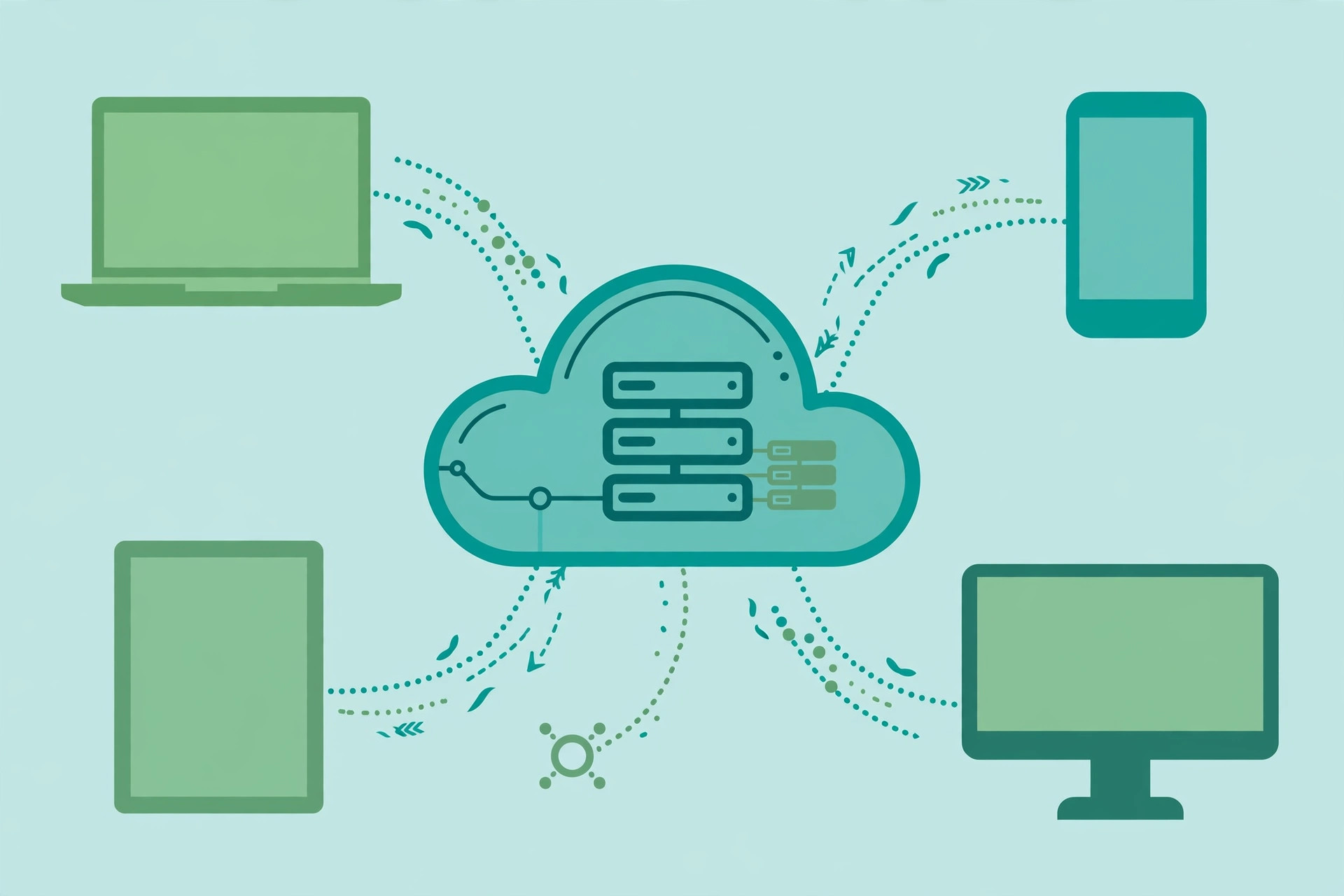
For most Indian small and medium businesses, cloud computing still sounds like something only large IT companies use. The truth is far simpler. If you already use Gmail, WhatsApp Web, or an online billing app, you are already using the cloud. Cloud computing just means renting computer power, storage, and software over the internet instead of buying and maintaining your own servers.
In 2026, this shift matters more than ever for Indian SMEs. Customers expect online invoices and digital payments, and teams are spread across locations. Running your business on a single office desktop, with data saved on a pen drive, is becoming risky. This guide explains cloud computing in plain language, compares real costs in INR, walks through providers with India data centres, and gives you a step-by-step migration checklist.
What Cloud Computing Means for a Small Business
Strip away the jargon and cloud computing is a rental model for technology. Instead of buying a server worth a few lakhs and calling an engineer every time it crashes, you pay a monthly fee to a provider. They run the hardware in massive data centres. You access everything through the internet from any device.
For a small business, the cloud usually shows up in three forms. Software as a Service is the most common: you pay a subscription and use the software in a browser, like Google Workspace for email or Zoho Books for accounting. Platform as a Service gives developers a ready environment to build apps. Infrastructure as a Service lets you rent raw computing, like a virtual computer on Amazon Web Services, that you control fully.
A useful comparison is electricity. A hundred years ago, factories ran their own generators. Today the power grid is cheaper, more reliable, and scales with demand. The cloud is the same idea for computing.
Cloud vs On-Premise: A Real Cost Comparison in INR
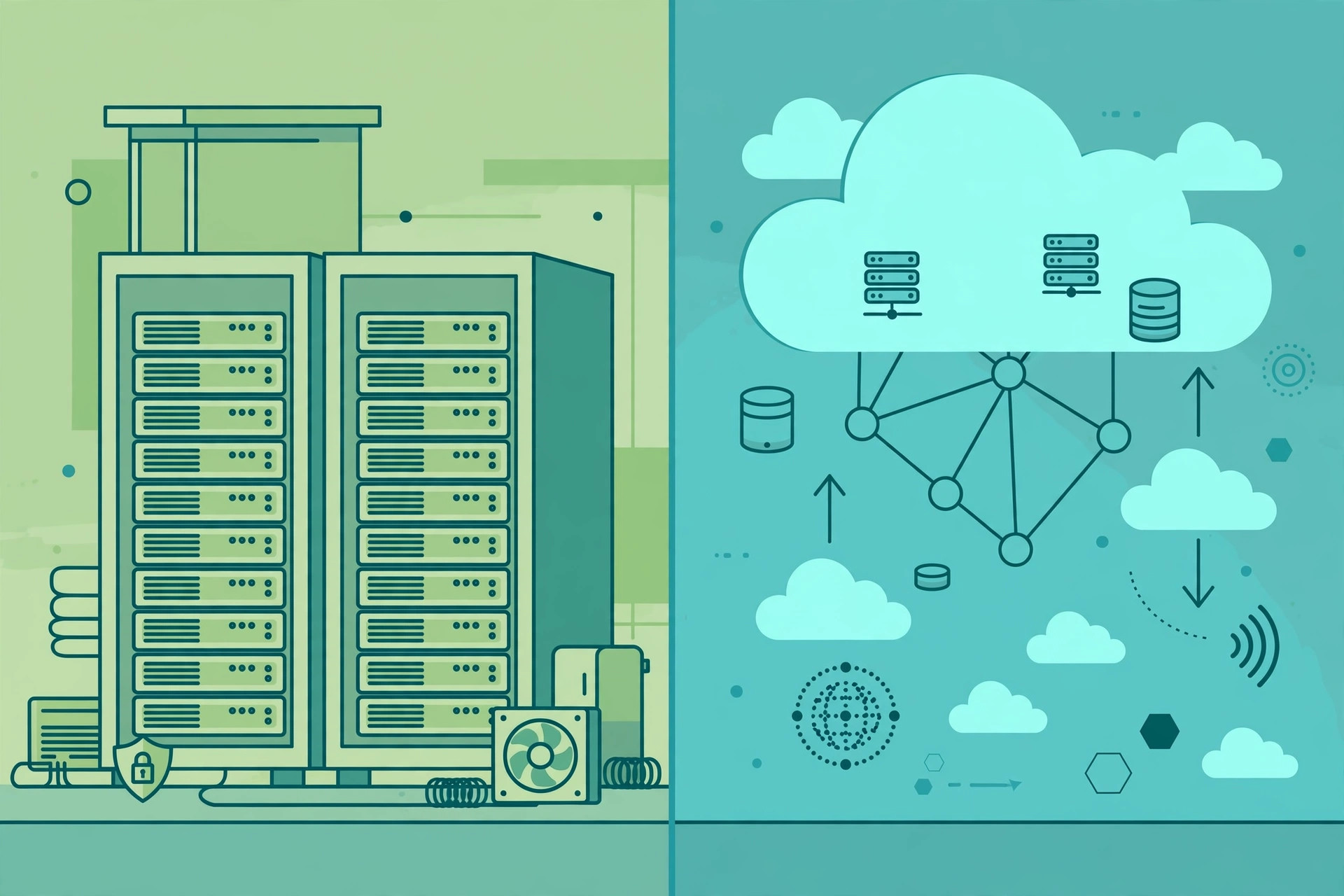
The biggest myth about the cloud is that it is expensive. For SMEs, the maths usually favours the cloud strongly. Here is a realistic comparison for a small business with 10 to 15 employees over three years.
An on-premise setup typically needs a server costing Rs. 2,00,000 to Rs. 4,00,000, licensed software, a UPS and cooling, and an AMC contract with an engineer at Rs. 50,000 to Rs. 1,00,000 per year. Add power bills and replacement parts. Over three years, the total easily crosses Rs. 6,00,000 to Rs. 8,00,000, and the hardware needs replacing every four to five years.
A comparable cloud setup might cost Rs. 8,000 to Rs. 25,000 per month: virtual servers, cloud storage, email, and accounting software. Over three years that is Rs. 3,00,000 to Rs. 9,00,000, but there is no upfront lump sum, no hardware that becomes outdated, and no engineer bills for midnight crashes. More importantly, the cloud cost scales with you. Hire five more people and you add five software seats. Close a branch and you remove them. With your own server, capacity is fixed: you either overbuy and waste money, or underbuy and hit limits at the worst time.
There are hidden costs in on-premise setups that rarely get counted. When a retail shop in Indore loses its billing machine to a hard disk crash during the Diwali season, the real cost is the lost sales. Cloud providers keep multiple copies of your data automatically, which is insurance most SMEs would never buy separately.
Key Benefits for Indian SMEs
Cost is the headline, but for most Indian businesses the practical benefits matter even more.
Scalability. Business in India is seasonal. A sweets manufacturer in Kanpur might do ten times the online orders in October and November compared to June. In the cloud, you increase capacity for two months and reduce it after, instead of buying hardware for the peak that sits idle the rest of the year.
Remote work. Cloud applications work from any internet connection. The owner of a clinic in Surat can check appointment bookings from home, a field sales team can update orders from the road, and your accountant can work on the books without sitting in your office.
Backup and disaster recovery. Floods, power surges, theft, and human error destroy local data every day. Cloud providers replicate data across multiple locations automatically. Even if your office computer is stolen, your data is safe and accessible from a new laptop within an hour.
Speed of setup. Starting a new branch? Create email accounts, a billing system, and shared folders for the new team in one afternoon. If you are weighing this alongside building your digital presence, see this broader picture of AI tools for small businesses in India, many of which run on the same cloud foundations.
Security. Providers like AWS and Azure spend far more on security than any small business could. A server sitting in a storeroom with the default password unchanged is far more vulnerable than a properly configured cloud account. The catch is the word properly: you still need good passwords and two-factor authentication, covered in the security section below.
Cloud Providers With India Data Centres
Indian businesses prefer their data to sit inside India, and several regulators expect it. All major providers now have India regions, so your data does not need to leave the country.
Amazon Web Services runs the Asia Pacific (Mumbai) region, with a second region in Hyderabad. It offers everything from simple virtual servers to advanced analytics, though its billing can confuse beginners, so start with their cost calculator.
Microsoft Azure operates regions in Pune, Chennai, and Mumbai. It is a natural fit for businesses already using Windows, Office, and Outlook, and its Microsoft 365 bundle covers email, documents, and Teams in one subscription.
Google Cloud Platform has regions in Mumbai and Delhi. It suits businesses using Gmail, Google Drive, and Google Workspace, and its analytics tools are excellent for sales dashboards.
Indian providers deserve a look too. E2E Networks and Netmagic (NTT) offer India-based cloud infrastructure with simpler billing and local support teams, which suits SMEs that want someone to talk to on the phone in India.
Beyond infrastructure, Indian SMEs mostly live on SaaS products: Zoho (email, CRM, accounting, HR) is built in India and priced for Indian budgets, while Google Workspace and Microsoft 365 cover communication. Choosing the right mix matters more than choosing the biggest brand.
Step-by-Step Migration Checklist
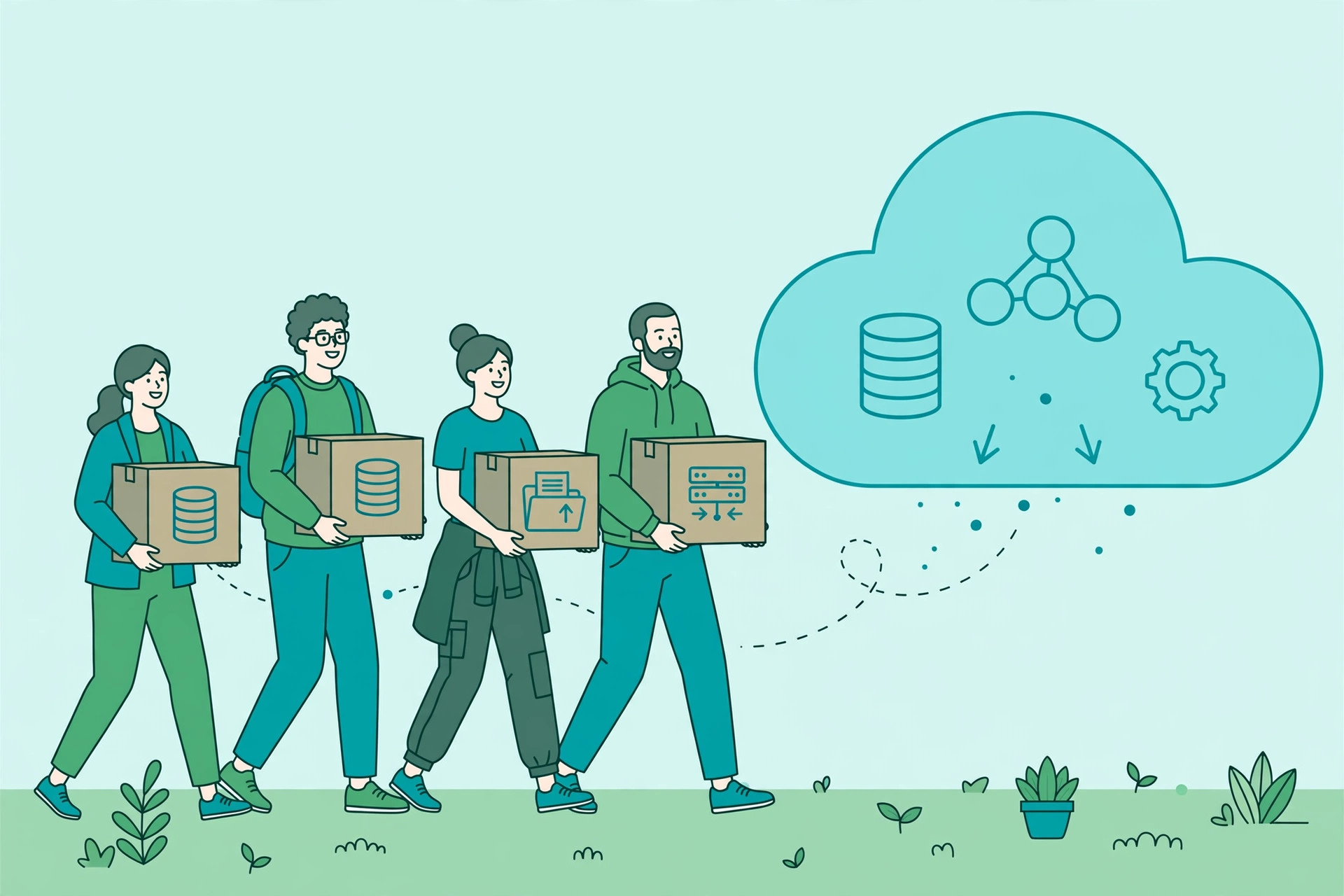
Moving to the cloud should be gradual. Work through this checklist in order:
- Audit your software. List everything your team depends on: billing, accounting, email, attendance, CRM, file storage. Note which already have cloud versions. Email and accounting are usually the easiest wins.
- Fix your internet. Get a primary broadband connection plus a 4G or 5G backup from a second provider. Uninterrupted connectivity matters more than raw speed.
- Move email and files first. Shift to Google Workspace or Microsoft 365, and move shared files to Drive or OneDrive. These low-risk moves teach your team the cloud habit.
- Move accounting and billing. Zoho Books, Tally on cloud, or QuickBooks Online replace desktop accounting. Run old and new systems in parallel for one month to catch mistakes.
- Handle custom software and servers. For a website, billing app, or database on a local machine, move it to a virtual server on AWS or Azure or rebuild it on a modern platform, usually with a developer’s help. If you are planning a new website, compare WordPress vs custom website development in India first.
- Secure every account. Enable two-factor authentication on all cloud accounts, remove ex-employee accounts the day someone leaves, and use a password manager instead of sharing passwords on WhatsApp.
- Set up and test backups. Turn on automatic backups and restore one file to prove they work. A backup you have never tested is just a hope.
- Train your team. Spend one afternoon on the new tools, spotting phishing emails, and lockout procedures. Most small-business cloud incidents start with a clicked link.
Security and Compliance Tips
Indian SMEs need to take three things seriously: who can access their data, where the data lives, and what happens if something goes wrong.
On data residency, choose India regions when you create cloud resources: Asia Pacific (Mumbai) on AWS, Central India or South India on Azure, Mumbai or Delhi on Google Cloud. This keeps customer data within the country and simplifies compliance with Indian data protection expectations.
On backups, follow the simple 3-2-1 rule: three copies of important data, on two different types of storage, with one copy offsite. In the cloud, that means your live data, automated daily backups, and a weekly export to a different account or provider. Ransomware attacks on Indian SMEs are rising in 2026, and a clean offline backup is often the only way out without paying the attackers.
On compliance, keep invoices and contracts for your cloud subscriptions, document who has access to what, and make sure customer data collection has proper consent. A fast, mobile-first website for Indian businesses is part of your security story, because customers will not share data with a slow, broken site.
Finally, have an incident plan on one page: who do you call, how do you lock accounts, and how do you restore from backup. Writing it down takes twenty minutes and saves panic later.
Common Mistakes Indian SMEs Make With the Cloud
The first mistake is lifting everything at once. A factory in Coimbatore moved twelve systems in a single weekend and spent three weeks untangling the mess. Move one system, stabilise it, then move the next.
The second mistake is ignoring costs. Cloud bills creep up when nobody watches. Set billing alerts at 80 per cent of your expected spend, review the bill monthly, and shut down test servers you are not using.
The third mistake is skipping training. The best tools fail when staff keep emailing spreadsheets to themselves or sharing one login. Short, practical training sessions beat long manuals.
The fourth mistake is assuming the provider handles everything. Providers secure the infrastructure, but you secure your accounts, your data, and your access. This shared responsibility catches many beginners off guard.
The fifth mistake is no exit plan. Before signing a long contract, know how you would move your data out. Vendor lock-in is real, so prefer open formats and keep regular exports.
FAQ
How much does cloud computing cost for a small business in India?
For a business with 10 to 15 employees, expect Rs. 8,000 to Rs. 25,000 per month for email, storage, accounting software, and one or two virtual servers. Micro businesses with under five people can often run on Rs. 2,000 to Rs. 5,000 per month using SaaS products.
Is cloud computing safe for Indian SMEs?
Yes, with basic hygiene. Providers invest far more in security than any small business could. The real risks are weak passwords, missing two-factor authentication, and phishing emails. Turn on two-factor authentication, use a password manager, and keep automated backups, and the cloud will be safer than a server in your office storeroom.
Which cloud provider is best for a small business in India?
There is no single best answer. If you already use Gmail and Drive, Google Workspace plus Google Cloud is natural. If you use Windows and Outlook, Microsoft 365 plus Azure fits well. AWS has the widest range of services with Mumbai and Hyderabad regions. For Indian billing and local support, E2E Networks or NTT Netmagic are worth a look. Choose based on what your team already knows.
Do I need to keep my data in India?
It is strongly recommended. All major providers offer India regions, so there is little reason to store Indian customer data abroad. Keeping data in India simplifies compliance and often improves speed, since the data centres are closer to your users.
Can I move to the cloud without an IT team?
Yes, for the common tools. Moving email, files, and accounting to SaaS products like Google Workspace, Microsoft 365, or Zoho can be done by any tech-comfortable owner, or with a local vendor for a one-time setup fee. Bring in deeper help only for custom software or databases on virtual servers.
Conclusion
Cloud computing in 2026 is a business decision about cost, flexibility, and risk. For the typical Indian SME, whether a retail shop in Lucknow, a clinic in Kochi, or a manufacturing unit in Ludhiana, the cloud removes the burden of owning servers, turns large upfront costs into predictable monthly bills, and protects your data better than a desktop in the office ever could.
The smartest approach is gradual. Move email and files this month, accounting next month, and custom systems when you are ready. Pick India regions, turn on two-factor authentication, set billing alerts, and train your team. Then the cloud stops being a buzzword and becomes reliable infrastructure that lets you focus on customers instead of computers.

3 Comments
Pingback: Cybersecurity for Small Businesses India: 2026 SME Guide
Pingback: Best CRM Software for Indian SMEs in 2026: Top Picks
Pingback: Microsoft 365 Outage India: What Businesses Must Do in 2026