

Introduction
Most Indian websites do not have a traffic problem only. They have a connection problem. A business publishes helpful pages, a service page, a pricing page and several blog posts, yet visitors and Google struggle to move between them. The result is predictable: good pages stay hidden, important pages rank lower than they should, and readers leave after one page because no clear next step is offered.
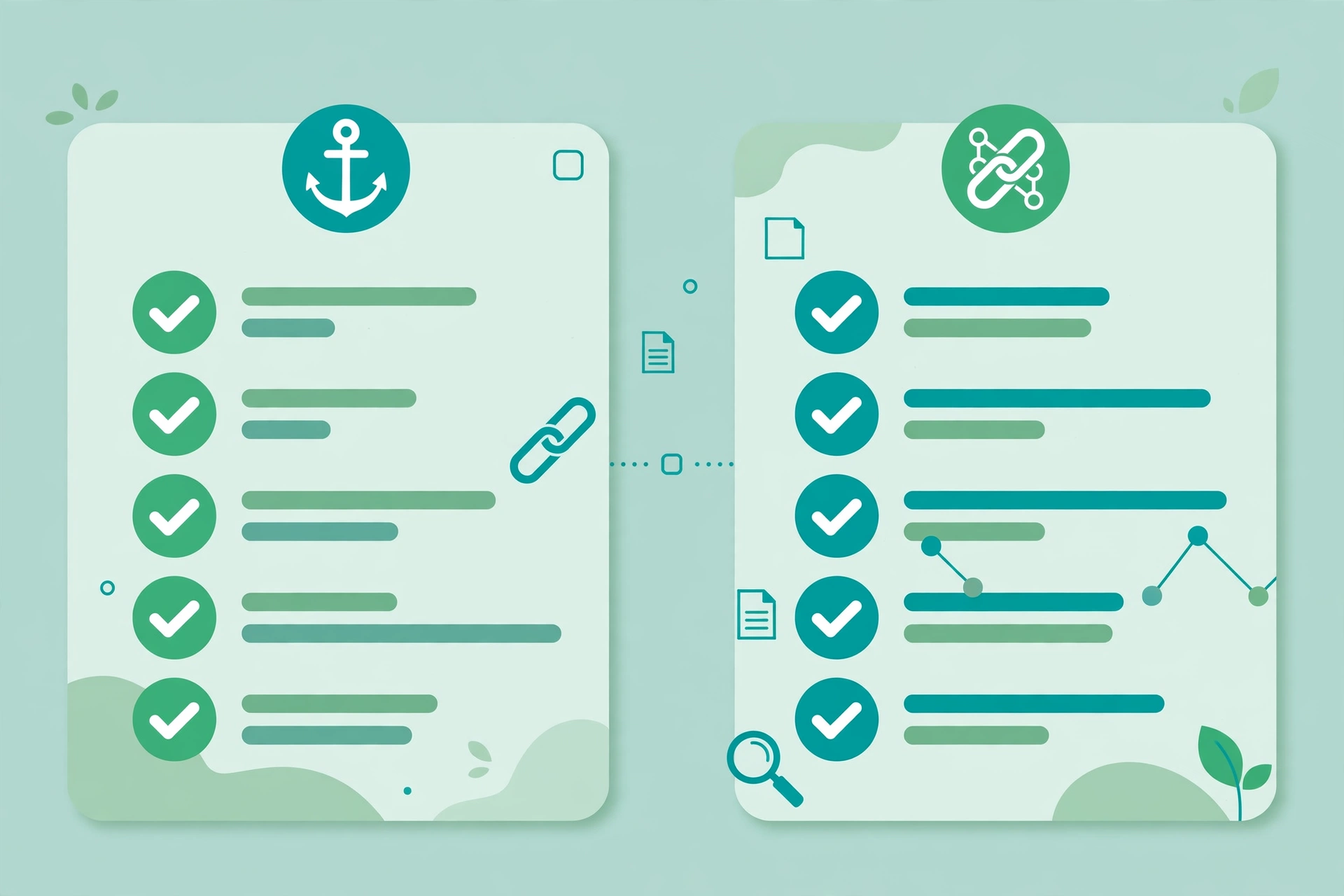
Internal linking fixes this. An internal link is simply a link from one page on your own website to another page on the same website. Done well, it helps search engines discover pages, understand what each page is about, and judge which pages matter most. It also helps readers: a person reading a guide can reach the related service, checklist or example without searching again.
This guide gives you a practical internal linking strategy for Indian websites in 2026. It covers the structure to use, the anchor text rules that keep you safe, a step by step audit you can run on a small or mid sized site, and a WordPress workflow you can repeat every time you publish. It also covers the gaps most generic guides miss: India specific site structures, language and location pages, and a realistic routine for a small team.
What Internal Linking Really Does
Internal links do four jobs at once, and understanding them helps you avoid random linking.
First, discovery. Search engines find new pages mainly by following links. A page that no other page links to, often called an orphan page, may be found only through the sitemap, which is a weaker signal. It may be crawled rarely or not at all.
Second, context. The clickable words, called anchor text, and the sentence around the link tell search engines what the destination page is about. A link that says “read our guide to on page SEO” gives far more context than a link that says “click here”.
Third, importance. Pages that receive many internal links, especially from strong pages such as the homepage or a popular guide, are treated as more important. Your linking structure quietly tells Google which pages you care about most.
Fourth, navigation. Good internal links answer the reader’s next question. After a pricing guide, the next step may be a service page. After a problem description, the next step may be a solution checklist. When links follow reader intent, time on site rises and enquiries become easier.
For a deeper look at the on page side of this work, see our on page SEO checklist for Indian websites. It pairs naturally with the structure described here.
The Simple Structure That Works for Most Indian Sites
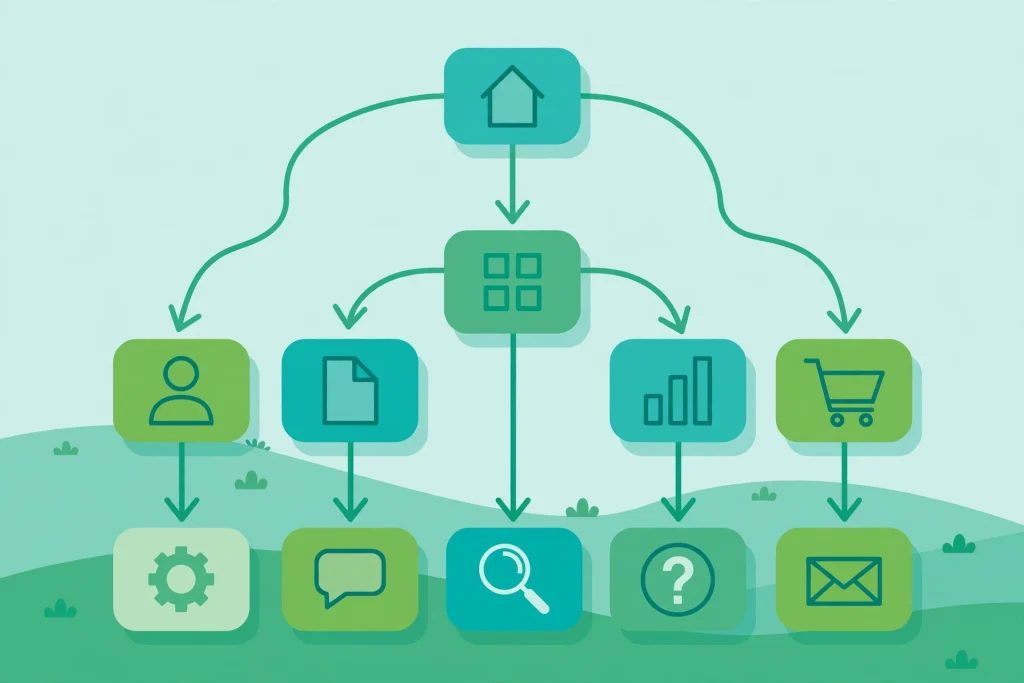
You do not need a complex silo diagram to get results. For most Indian service businesses, blogs and small e-commerce sites, a shallow hub structure works best.
Start with the homepage. It should link clearly to your main service or category pages. Each service or category page then links to its supporting guides, FAQs and case examples. Each supporting guide links back to the relevant service page and sideways to closely related guides, but only where the link helps the reader.
Aim for important pages to be reachable within about three clicks from the homepage. That does not mean every page must be three clicks away, and it does not mean you should force links into every paragraph. It means your main money pages and pillar guides should never be buried five or six levels deep.
A typical Indian business site might look like this in practice:
- Homepage links to services, locations served, and the most useful guides.
- A service page, for example web design or SEO services, links to related guides, pricing information, FAQs and the contact page.
- A guide links to the service page it supports, plus two or three genuinely related guides.
- Location pages link to the service they describe and to nearby location pages only when that helps a visitor compare areas.
This structure also helps with local search. A city page that links cleanly to its service page, and is itself linked from a relevant guide, is easier for Google to understand than a city page floating alone in the site.
Anchor Text Rules That Keep You Safe
Anchor text is where many sites go wrong, usually by overdoing one exact phrase. Google’s own guidance is simple: use descriptive, natural words. You do not need to repeat the exact focus keyword in every link.
Use these rules:
- Describe the destination. ‘Website maintenance plan for Indian businesses’ is better than ‘this article’ or ‘here’.
- Vary your anchors naturally. Use the full title sometimes, a shorter descriptive phrase sometimes, and a brand or generic phrase when it fits the sentence.
- Never force an exact match keyword into a sentence where it sounds unnatural. If the sentence would not be written that way for a human reader, rewrite the sentence, not just the link.
- Keep the surrounding sentence relevant. A link placed in a paragraph about page speed should point to a page speed guide, not to an unrelated service page.
- Avoid linking the same destination many times from one page. One clear, well placed link per destination per page is usually enough. A second link in a related articles box is acceptable, but five identical links in one article look manipulative and confuse readers.
If you already have pages that repeat the same exact match anchor dozens of times, do not panic and remove them all at once. Prioritise your most linked pages, rewrite the worst anchors first, and fix the rest as you update each article.
How to Audit Your Internal Links in One Afternoon
An audit sounds technical, but for a site with under 200 pages it can be done in one afternoon with a spreadsheet and a free crawl tool or your sitemap.
Step 1: Export your pages. Use your sitemap, your WordPress posts list, or a crawl tool to list every indexable URL, its title, and its category.
Step 2: Find orphan and weakly linked pages. Look for pages with no incoming internal links, or only one link from a low traffic page. These are your first fixes, especially if they are service pages or guides you want to rank.
Step 3: Check for broken and redirected links. A link that points to a deleted page or an old URL that redirects twice wastes crawl effort and frustrates readers. Update every internal link to the final, live URL.
Step 4: Review your top pages. Open your five most visited pages and your five most important service pages. Ask a simple question for each: does this page send readers to the next useful page, and does any strong page send readers here? Fix the gaps before you worry about the rest of the site.
Step 5: Map hubs. For each main topic, choose one hub page. It might be a service page or a comprehensive guide. Then list the supporting pages that should link to it and that it should link to. Add only links that a reader would actually want.
Step 6: Record the work. Keep a simple sheet with page, destination, anchor text, and date changed. This stops the same mistakes returning when a new writer joins.
For sites using structured data, our schema markup guide for Indian websites explains how clear page structure and markup work together to help search engines understand your content.
A WordPress Workflow You Can Repeat
WordPress makes internal linking easy, but only if you build it into publishing rather than treating it as an afterthought.
When you draft a new post, do this before you publish:
- Identify the one service or hub page the post supports, and plan one contextual link to it in the body, placed where the reader is ready for the next step.
- Identify two or three older related posts that genuinely help this reader, and link to them from relevant paragraphs, not from a dumped list at the end.
- Go back to one or two older, high traffic posts and add a link to the new post where it fits naturally. New posts need incoming links too, and this step is the one most teams skip.
- Check the link in preview. Click it, confirm it opens the right page, and confirm the anchor reads naturally in the sentence.
In the block editor, add links from within the paragraph block itself, using the link button, rather than pasting raw HTML. Keep the link text descriptive, and leave the link opening in the same tab, since the reader is continuing a journey on your own site.
Over time, this habit matters more than any one off audit. A site that links well on every new post rarely needs a large rescue project later.
Common Internal Linking Mistakes to Avoid
- Linking every possible keyword. A page stuffed with links is hard to read and dilutes the signal to your most important pages.
- Using ‘click here’, ‘read more’ or the raw URL as anchor text for important pages. Save those for truly generic actions.
- Building navigation only with buttons or JavaScript click handlers that have no real link behind them. Search engines may not follow them. Use standard links for important routes.
- Pointing internal links at redirected, deleted or non indexable pages. Always link to the final version.
- Adding nofollow to your own internal links. This does not help and can block discovery. Use noindex on pages you do not want indexed, rather than nofollow on the link.
- Creating a related posts block that shows random articles. Related should mean related in topic and intent, not just recent.
- Forgetting location and language pages. If you serve multiple Indian cities or publish in more than one language, those pages need the same careful linking as your main service pages, with clear links between equivalent pages where appropriate.
Internal Links, AI Search and How People Find Answers Now
Search is changing. AI overviews and AI answers now summarise pages before a user clicks, and our earlier guide on how to get cited in Google AI overviews explains why clear, well structured content matters more than ever.
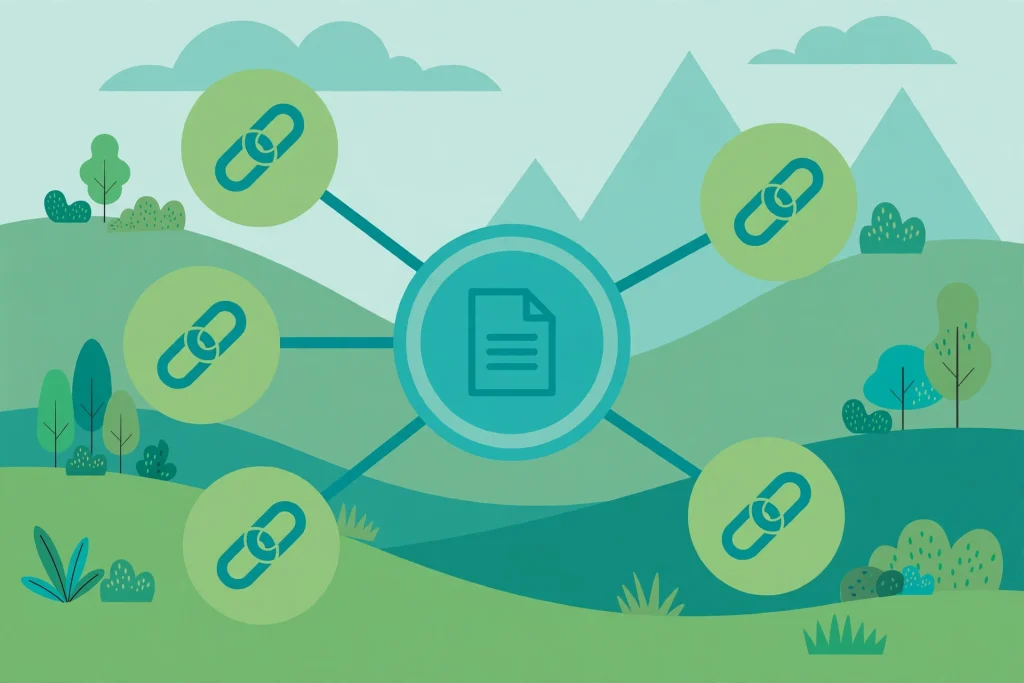
Internal linking helps here in a practical way. When your pages are clearly connected, with descriptive anchors and logical hubs, an AI system and a search engine can both understand which page is the authoritative guide for a topic and which pages support it. A scattered site, where every page competes alone, is harder to summarise and harder to trust.
This does not mean you should write for AI systems instead of people. It means the same habits that help people, clear headings, direct answers near the top, and links to the next useful page, also help machines understand your site. Keep the reader first, and the search benefit follows.
A 30 Day Internal Linking Plan for a Small Team
If your site has grown without a plan, use this simple 30 day routine rather than trying to fix everything in one day.
Week 1: Run the audit above. Fix broken links and orphan service pages first.
Week 2: Build hub maps for your three most important topics. Add missing links from supporting posts to each hub, and from each hub to its best supporting posts.
Week 3: Fix anchor text on your ten most visited pages. Replace vague anchors with descriptive ones, and remove duplicate links to the same destination from a single page.
Week 4: Make linking part of publishing. Add the WordPress checklist to your editorial template, and review new posts weekly for one month until the habit sticks.
Measure simply: track clicks from your hub pages to service pages, enquiries from guide pages, and whether previously orphaned pages start receiving traffic in Search Console. Do not expect overnight ranking jumps. Internal linking usually shows its effect over weeks, as pages are recrawled and their relationships become clearer.
FAQ
What is an internal linking strategy?
An internal linking strategy is a plan for how pages on your own website link to each other. It decides which pages are hubs, which supporting pages link to them, what anchor text to use, and how new posts get linked from older posts, so that readers and search engines can find and understand your most important content.
How many internal links should a blog post have?
There is no fixed number that works for every post. A typical long guide might have three to eight contextual internal links, plus navigation and related posts. The right number depends on length and relevance. If a link does not help the reader take a sensible next step, leave it out.
Is internal linking enough to rank a page on its own?
No. Internal linking supports ranking, but it does not replace useful content, good on page SEO, page speed, and external credibility. Think of it as the structure that lets your other SEO work perform at its best, not as a shortcut on its own.
Should I link to the same page more than once in one article?
Usually one contextual link is enough. A second link in a related articles section is acceptable, but repeating the same destination many times in the body adds little value and can look forced to readers.
Do internal links help new pages get indexed faster?
Yes, in practice they help. A new post linked from an established, frequently crawled page is usually discovered faster than a post that only appears in the sitemap. That is why linking back from older posts is an important publishing step.
What is an orphan page and why does it matter?
An orphan page is a page with no internal links pointing to it. Search engines and visitors may struggle to find it, even if it is in your sitemap. Service pages and guides that matter to your business should never be orphans.
Conclusion
Internal linking is one of the few SEO levers you fully control, and it costs nothing but attention. Build a shallow, logical structure, use descriptive and varied anchor text, fix orphans and broken links, and make linking part of every publish, not a separate project you do once a year.
Start with your most important service page today. Check who links to it, add one strong link from a popular related guide, and give that guide a clear next step back to the service. Repeat that small habit across your site, and over the next month your best pages will become easier to find, easier to understand, and easier for readers to act on.

2 Comments
Pingback: How to Recover from a Google Algorithm Update: A Practical Guide for Indian Websites (2026)
Pingback: Programmatic SEO for Indian Websites: Scale Rankings 2026