

Introduction
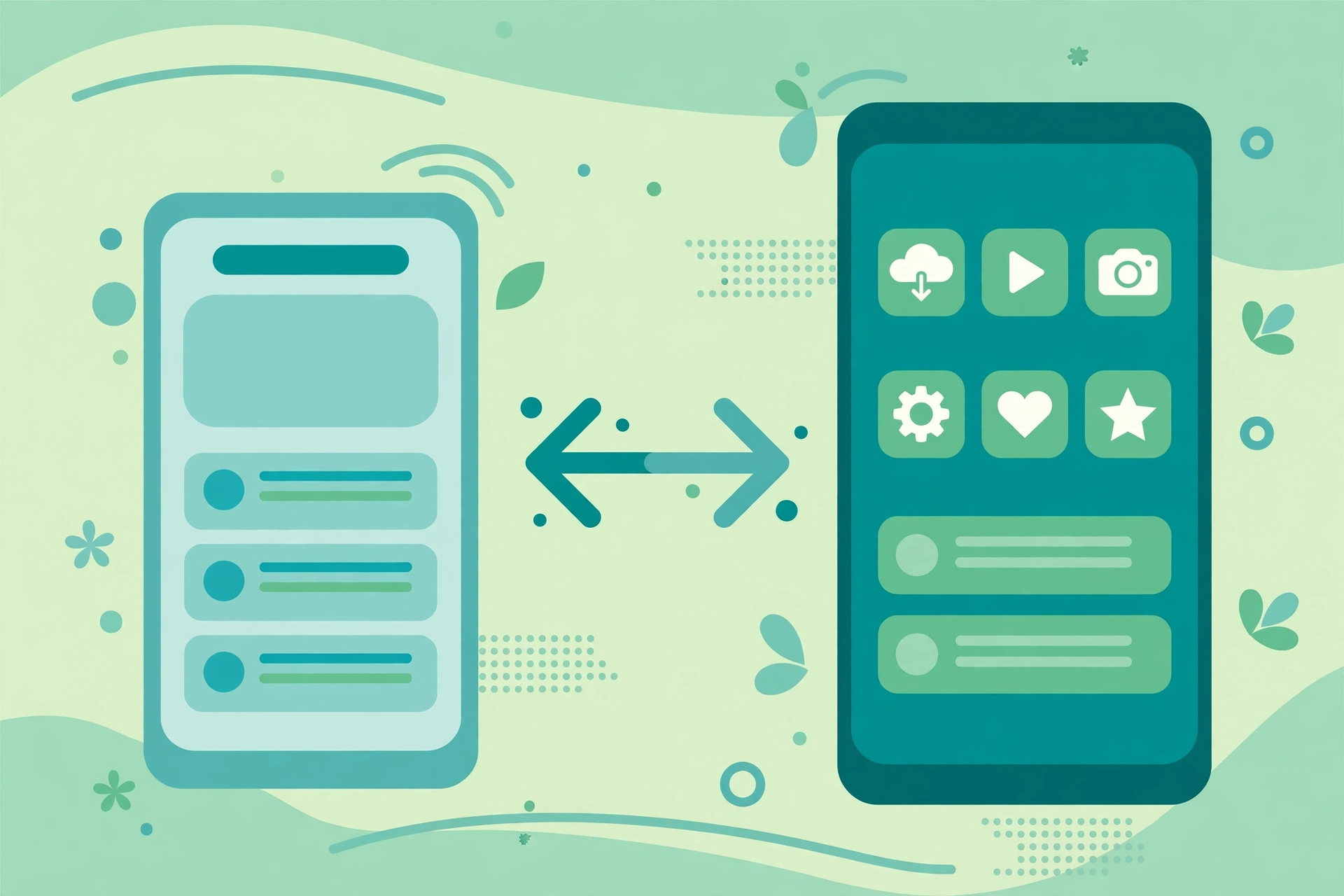
Most Indian customers will meet your business on a phone first, and many of them will not download your app. Storage is limited, data is precious, and app stores are crowded. A progressive web app, or PWA, offers a middle path: a website that behaves like an app, can be added to the home screen, can work offline for key content, and can send notifications, without forcing every customer through an app store download.
That promise sounds perfect for Indian small and medium businesses, and often it is. But a PWA is not always the right choice. It has real limits on iPhones, on advanced device features, and on payments in some cases. Native apps still win when performance, hardware access, or app store presence is central to the product.
This guide explains PWAs in plain language for Indian business owners. It covers what a PWA actually is, how it compares with a native app on cost, speed, offline use, and discoverability, when a PWA is the smarter choice in India, and when you should still build native. Competitor guides usually explain PWA technology well but skip the Indian context: low bandwidth, low storage phones, Tier 2 and Tier 3 users, and the cost of maintaining two native apps. This article fills those gaps, with a decision checklist you can use before you pay a developer.
What Is a Progressive Web App, in Plain Language
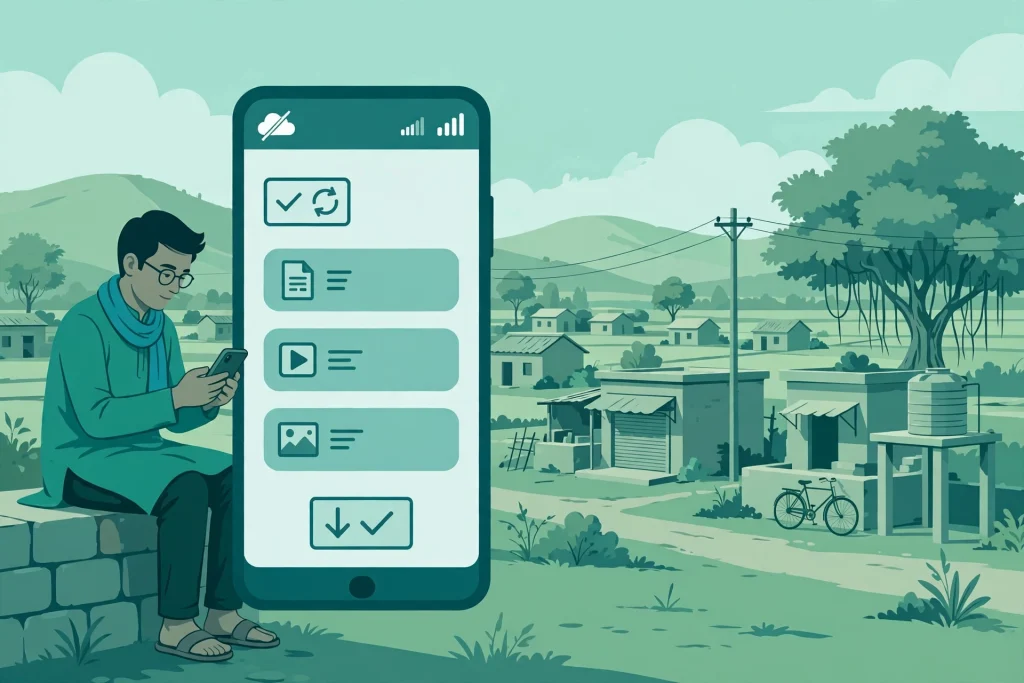
A progressive web app is a website built with extra capabilities. It has a manifest file, which tells the phone its name, icon, and colours, and a service worker, which is a background script that can cache content, handle offline use, and manage notifications. When a visitor opens the site in a browser, they can choose to add it to their home screen. After that, it opens in its own window, without the browser address bar, and feels much like a native app.
The word progressive matters. On an old browser, a PWA is simply a website. On a modern browser, it gains installability, offline caching, and push notifications. You do not need to rebuild the whole product for each capability. You build a good website first, then add PWA features step by step.
This is different from a hybrid app, which wraps web code inside a native shell and still goes through app store review. A PWA is discovered through search, shared with a link, and installed from the browser, which makes it much easier to share in India through WhatsApp, SMS, and social media.
Why PWAs Fit Many Indian Users
India’s mobile reality favours light, fast, link based products. Many users have phones with limited storage, and they regularly delete apps they do not use every week. A PWA that takes a few megabytes of cached data is easier to keep than a native app that takes hundreds of megabytes and needs regular updates from a store.
Bandwidth is the second reason. A well built PWA caches the shell of the site, key pages, and images, so repeat visits load fast even on a weak 4G connection. For a shop in a small town, a coaching institute, a clinic, a restaurant, or a local service business, that speed difference decides whether a visitor stays or leaves.
The third reason is distribution. A native app needs app store optimisation, store approval, and a download decision. A PWA needs a link. You can send that link on WhatsApp, print it as a QR code in a store, add it to a bill, or share it in a community group. For businesses whose customers come from local search and referrals, that lower friction is a major advantage.
The fourth reason is cost. One PWA codebase can serve Android, iOS browsers, and desktop, while native development usually means separate Android and iOS work, plus separate testing and updates. For a small business, that cost difference can be two to three times, before maintenance is even counted.
PWA Versus Native App: A Fair Comparison
Cost is the clearest difference. A PWA is usually cheaper to build and cheaper to maintain, because there is one codebase and updates go live on the web immediately, without waiting for store review. A native app costs more upfront and needs ongoing work for two platforms, plus store fees and review delays.
Speed and offline use favour a good PWA for content, catalogues, bookings, and simple commerce, especially on low bandwidth. Native apps still win for heavy graphics, games, video editing, and real time features that need deep device optimisation.
Device features are where native apps lead. Native apps have fuller access to Bluetooth, NFC, advanced camera controls, background processing, and some payment and biometric features. PWAs have improved greatly, and they now support many features, but support varies by browser and by iPhone versus Android, and some features remain limited or unavailable on iOS.
Discoverability favours PWAs. A PWA page can rank in Google, be shared as a link, and be found through search. A native app is mainly found in an app store, and it needs downloads and ratings to stay visible. For a business that depends on local search, that is a strong reason to favour a PWA, or at least to keep a strong website alongside any app.
Trust is more balanced than many guides admit. Some customers trust app store apps more, because stores review them. Others trust a website they found through search and a familiar brand. A PWA with HTTPS, clear contact details, reviews, and a professional design can earn trust quickly, but a business in finance, health, or payments must be extra careful about security, privacy, and compliance, whichever route it chooses.
When a PWA Is the Smarter Choice in India
Choose a PWA first when your product is mainly content, catalogue, booking, ordering, or simple commerce. Examples include restaurants with online ordering, clinics with appointment booking, coaching institutes with course content, retailers with a product catalogue, service businesses with quote requests, and news or community sites with repeat readers.
Choose a PWA when your customers are price sensitive about storage and data, when they arrive through search, WhatsApp, or referrals, and when you need to launch fast and test demand before investing in native apps. Many Indian startups use a PWA to prove demand, learn what customers actually use, and only then decide whether a native app is worth the cost.
Choose a PWA when your team is small. One team maintaining one codebase, one set of content, and one analytics setup will ship improvements faster than a team split across Android, iOS, and web. Faster shipping matters more than perfect native polish for most small businesses in their first two years.
When You Should Still Build a Native App
Build native when the product depends on device hardware or performance. Examples include fitness apps with background tracking, apps that need Bluetooth devices, advanced camera or augmented reality features, offline first field apps for delivery or logistics, and games or media editors that need high performance.
Build native when app store presence is itself part of your growth. If your competitors are discovered mainly through app store charts, if your business model depends on in app purchases on iPhones, or if your customers expect to find you in the Play Store and will not trust a web link, native may be necessary even if it costs more.
Build native when push notification reliability on iPhones is critical to your business, and test PWA notifications on iOS carefully before you decide. iOS support for PWAs has improved, but it still differs from Android in installation, notifications, storage, and background behaviour. Do not assume an Android PWA demo proves the iPhone experience.
A common mature pattern is both: a PWA or responsive website for discovery and casual users, plus a native app for power users who use the product daily. That pattern works, but it doubles maintenance, so only adopt it when the native app has a clear job that the PWA cannot do.
What a Good PWA Needs to Work Well
A PWA is not a label you add to a slow website. It needs the same foundations as any good website, plus PWA specific work. Start with speed: fast hosting, image optimisation, caching, and Core Web Vitals that pass on mobile. A slow PWA will feel worse than a slow website, because users expect app like speed once they install it.
Next, design for installability. Give the PWA a clear name, a recognisable icon, and a start screen that looks intentional, not like a cropped website header. Explain installation simply, with a short prompt at the right moment, not a popup on the first second of the first visit. Let users experience value first, then invite them to install.
Then plan offline behaviour honestly. Decide which pages and actions should work offline, such as cached articles, a product catalogue, or a booking form that syncs later, and show a clear message when a feature needs connection. An offline message that explains what will happen next is far better than a blank screen or a broken button.
Also plan notifications with restraint. Push notifications can bring customers back for offers, order updates, and new content, but too many notifications will get your PWA removed from the home screen. Ask permission after value, not on arrival, and let users choose notification types.
Finally, plan analytics and updates. Track installs, repeat visits, offline use, and conversions separately from normal web visits, so you can tell whether the PWA is actually helping. Updates should be tested on Android and iOS, on low end phones, and on weak networks, not only on a developer’s flagship phone on office WiFi.
Cost, Timeline, and Maintenance: What to Budget
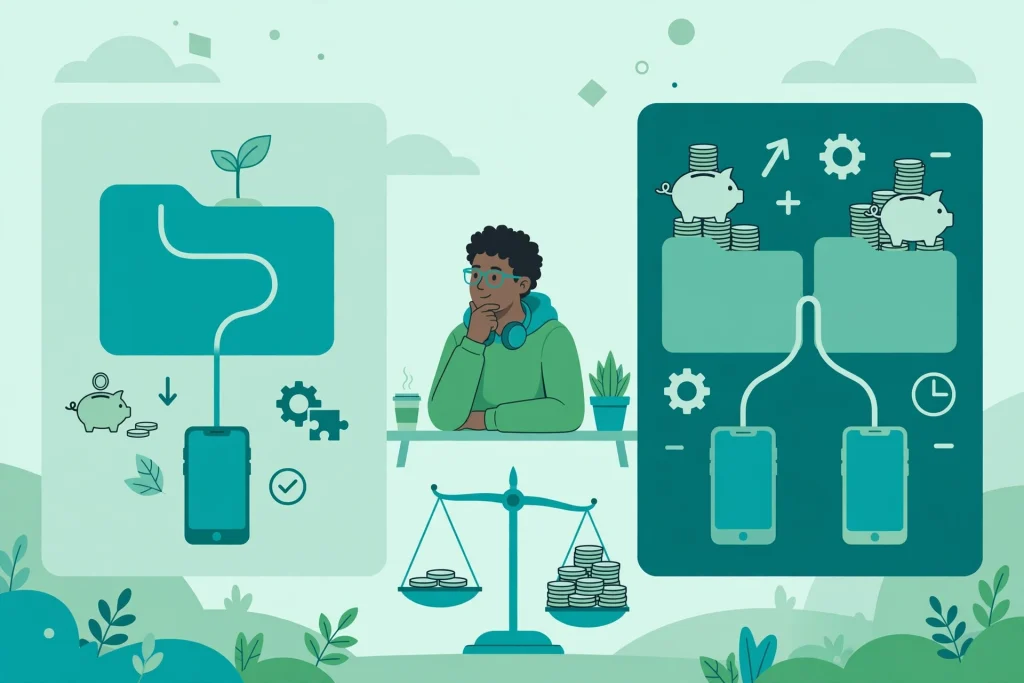
Costs vary widely, but the structure is consistent. A PWA built on an existing website is often an upgrade project, not a rebuild, if the site is already fast and well structured. A PWA built from scratch with custom ordering, payments, or accounts costs more, but usually still less than two native apps with the same features.
Timeline also favours PWAs. A simple PWA upgrade can take weeks, while a native app pair often takes months, including store review and fixes for two platforms. For a seasonal business, that time difference can decide whether you launch before a festival or after it.
Maintenance is where many businesses underestimate cost. A PWA still needs security updates, content updates, browser testing, and performance monitoring. A native app needs all of that plus store updates, operating system compatibility work, and separate bug fixes. Budget for maintenance from the start, whichever route you choose, and ask any agency for a written maintenance plan, not just a launch price.
A Decision Checklist Before You Pay
Answer these questions honestly before you sign a development contract.
- Do customers need your product every day, or a few times a month? Daily use favours native, occasional use favours PWA.
- Do you depend on advanced hardware, background tracking, or app store discovery? If yes, lean native. If no, lean PWA.
- Do your customers arrive through search, WhatsApp, and referrals? If yes, lean PWA.
- Are your customers on low storage phones or weak networks? If yes, lean PWA.
- Can one team maintain the product well for two years? If not, a single PWA codebase is safer.
- Have you tested PWA installation and notifications on both Android and iPhones? If not, test before you decide.
- What will you measure in the first 90 days? Define installs, repeat visits, orders, or bookings now, not after launch.
If most answers point to PWA, start there, launch fast, and revisit native only when real usage data shows a gap the PWA cannot close.
FAQ
What is a progressive web app?
A progressive web app is a website with extra capabilities, such as home screen installation, offline caching, and push notifications, that lets it behave much like a native app without an app store download.
Is a PWA cheaper than a native app in India?
Usually yes, because one PWA codebase serves web, Android, and iOS browsers, while native development normally requires separate Android and iOS work, testing, and maintenance.
Do PWAs work offline?
A well built PWA can cache key pages and content for offline reading and can queue some actions to sync later, but features that need live data, payments, or fresh stock will still need a connection.
Do PWAs work on iPhones?
Yes, with limits. iPhones support PWA installation and many features, but notification behaviour, storage, and background capabilities differ from Android, so test on iPhones before launch.
Can a PWA be found on Google?
Yes. PWA pages are web pages, so they can rank in search, be shared as links, and be discovered without an app store, which is a major advantage for local and content businesses.
Should a small business build both a PWA and a native app?
Only when the native app has a clear job the PWA cannot do, such as advanced hardware access or daily power use, because maintaining both doubles cost and complexity.
Conclusion
For many Indian businesses in 2026, a progressive web app is the smarter first step. It is cheaper, faster to launch, easier to share, kinder to low storage phones and weak networks, and findable through search. It is not a replacement for every native app, especially when hardware, performance, or app store discovery is central, but it is a strong default for content, catalogue, booking, and simple commerce.
Start with a fast website, add PWA features with a clear purpose, test on real phones and real networks, and measure installs, repeat visits, and conversions. If the PWA proves demand and reveals a specific gap, build native for that gap. If it serves customers well, you may never need a native app at all, and that saved budget can go into better content, better service, and better marketing.

1 Comment
Pingback: Web Development Trends in India for 2026