

Introduction
A beautiful website is not enough in India in 2026. Visitors decide in seconds whether to stay, trust a business, and take action. If a page is slow, confusing, or hard to use on a phone, they leave and rarely return. Good UI UX design for Indian websites is therefore a business skill, not only a visual skill.
UI stands for user interface: what people see and tap, including layout, colour, buttons, and spacing. UX stands for user experience: how the whole journey feels, from the first search result to the final enquiry or purchase. A page can look modern and still fail if visitors cannot find prices, understand the offer, or complete a form without frustration. This guide covers the realities that shape design in India, a clear process from research to testing, navigation and form patterns, trust cues, language choices, accessibility, common mistakes, and a pre-launch checklist.
Why UI UX Matters More in India
India is a mobile-first market. For millions of users, a phone is the only device they use to browse, shop, learn, and book services. A website designed mainly for a large desktop screen will feel cramped and awkward on the device that matters most.
Design also affects search visibility and sales. When visitors stay longer and complete actions, a website converts traffic more efficiently. When they bounce quickly, even good content and good offers are wasted. Clear headings and useful content also help search engines understand the page.
Most importantly, design builds trust. Indian buyers check reviews, compare prices, look for a real phone number, and worry about fake websites and payment fraud. A clean layout, honest information, and a smooth enquiry flow reduce doubt. Trust is created by small decisions that make a business feel real, reachable, and reliable.
India-Specific Design Realities You Must Design For
Generic advice often assumes fast broadband, a large screen, and a fluent English reader. That fails for much of the Indian audience. Design for real conditions, not ideal office conditions.
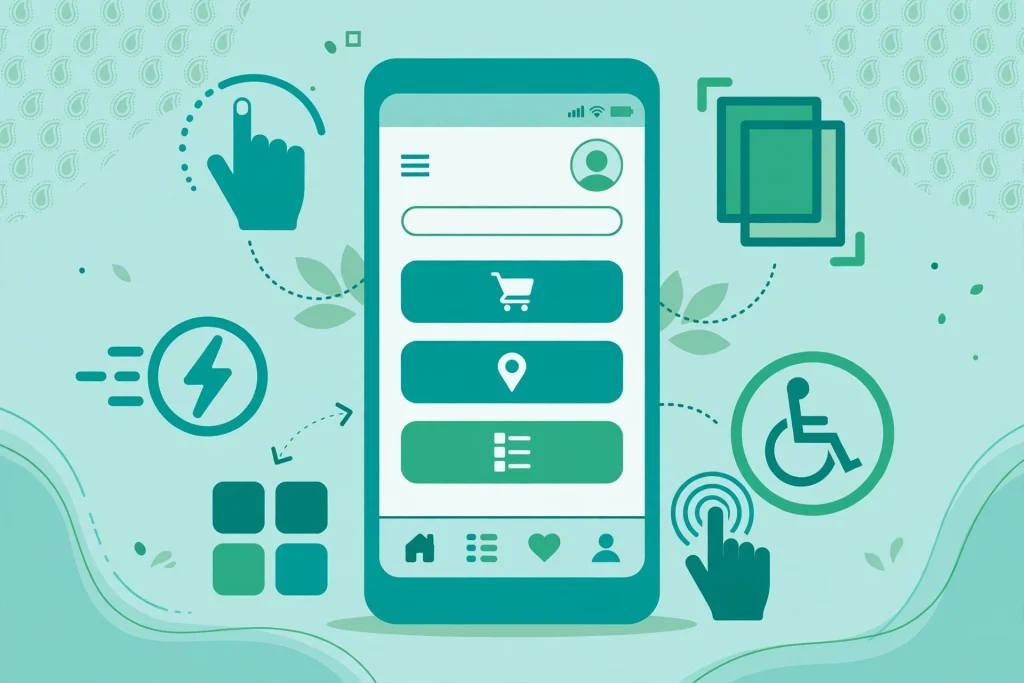
- Mid-range Android phones: Many visitors use smaller screens with limited storage. Keep pages light, compress images, avoid heavy effects, and test on a real mid-range phone.
- Slow and variable networks: Speeds vary outside major cities and on trains. Show key content first, avoid auto-playing video, and do not force large downloads before the offer is clear.
- Data-conscious users: Visitors are impatient with slow pages. Remove needless scripts and images, and keep every page focused on one clear goal.
- Regional languages and text expansion: Some visitors prefer Hindi or a regional language, and translated text is often longer. Use flexible layouts, avoid text inside images, and use simple words and clear headings.
- Trust-first behaviour: Many visitors want a price, location, phone number, or WhatsApp option before a long story. Put practical answers where they are easy to find.
- Varied digital comfort: Some users are new to forms and online payments. Use familiar patterns, clear labels, large tap targets, and guidance at each step.
A Practical Design Process: From Research to Testing
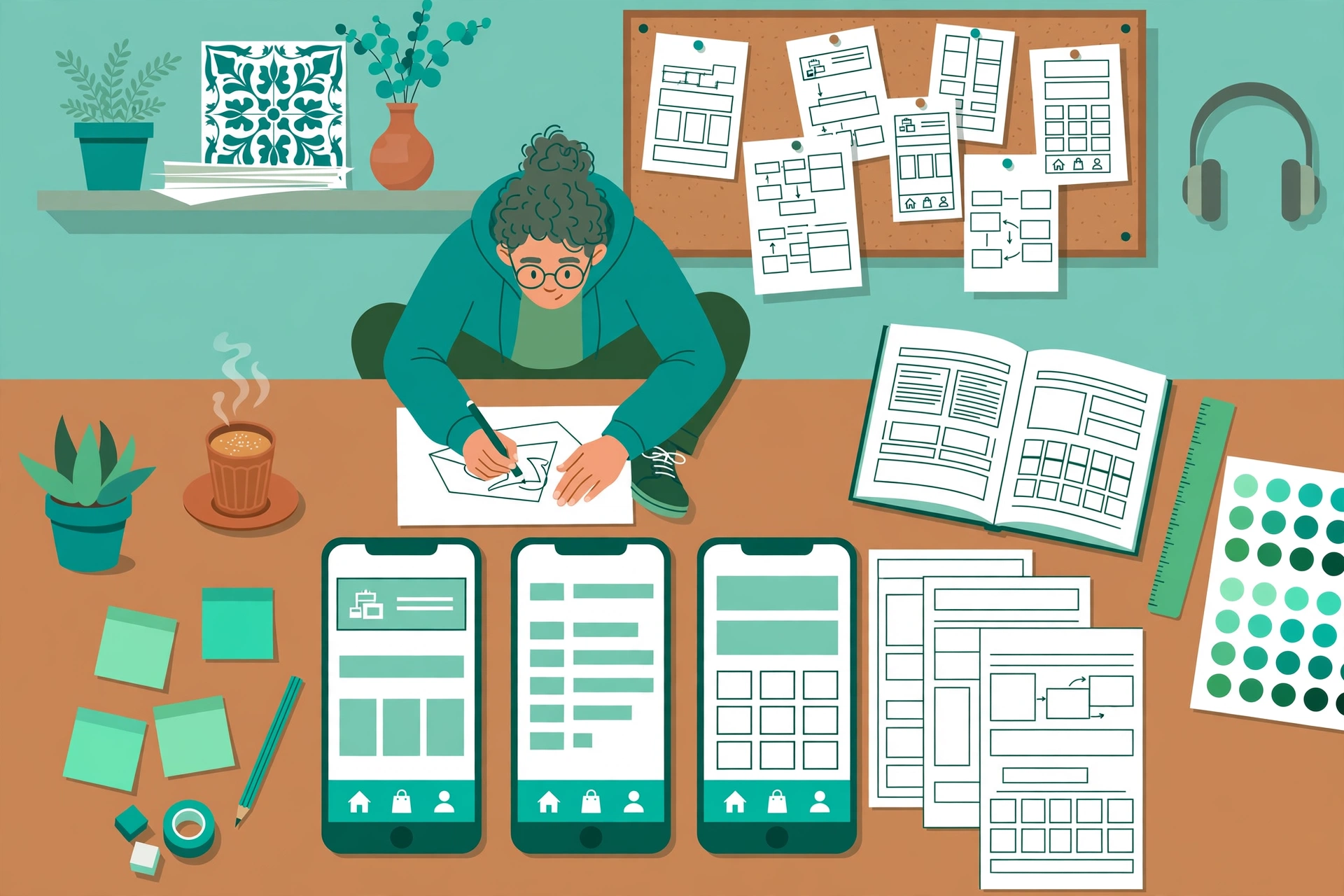
Good design starts with understanding people, not with colours or a homepage mockup. Follow this simple process.
- Research the audience: Talk to customers, read enquiries and reviews, and study search queries to learn what confuses visitors and what stops them from acting.
- Define one goal per page: A service page may aim for enquiries, a product page for purchases, and a blog post for reading plus a next step.
- Map the journey: List steps from landing to action, remove needless steps, and make the next step obvious at every point.
- Sketch a wireframe: Plan what appears first on mobile, what can wait, and where calls to action belong, before visual design.
- Design mobile first: Build the mobile layout first, then expand it for tablets and desktops, so priorities stay clear.
- Write real content early: Real headlines and prices reveal length problems and weak offers before launch.
- Test with real users: Ask five to ten target users to find a price or submit a form, watch where they pause or give up, and fix those points first.
- Measure after launch: Track speed, bounce rate, form completion, and enquiries, and improve in small regular steps.
Mobile-First Layout, Navigation, and Form Patterns
Mobile-first design is about deciding what matters most and presenting it in a thumb-friendly order. The headline should state the offer in plain language, the supporting line should explain who it is for, and the first call to action should be visible without scrolling. Use clear labels such as “Get a Free Quote” rather than vague buttons like “Click Here”.
Navigation should be simple, with five to seven main items, clear labels, and an easy way back to the homepage. Avoid clever labels that hide meaning: “Services” is clearer than “What We Do” for quick scanning. On mobile, the menu button must be easy to find and easy to close.
Forms are where many conversions are lost. Keep them short, ask only for needed information, and label every field clearly. Use a number keyboard for phone numbers, break long forms into short steps, show progress, and explain errors in plain language next to the field. Always offer an alternative, such as a phone number or WhatsApp link.
Other patterns that work well include:
- Large tap targets with space between links and buttons.
- Short paragraphs, clear subheadings, and bullet lists for easy scanning.
- One strong call to action per section, not several competing buttons.
- Fast-loading, correctly sized images with descriptive alt text.
- Clear pricing and service area details before the final action step.
Trust, Price, and Payment Cues for Indian Visitors
Visitors often judge whether a business is genuine before judging the product. Show real details in the header or footer: a phone number, email address, service areas, and business hours. Add reviews, testimonials with permission, and examples of past work. Genuine photos of your team or products build more confidence than stock images alone.
Price transparency also builds trust. Hidden prices force visitors to enquire for basic facts, and many will simply leave. If exact pricing varies, show a starting price, a typical range, or the factors that affect cost, and explain what is included and what is extra.
Payment cues matter even for service websites. State clearly if you accept UPI, cards, net banking, or cash on delivery. For stores, show secure payment badges, return policies, delivery timelines, and tracking details before checkout. Never surprise buyers with extra charges at the last step.
Regional Languages, Content, and Visual Design
If customers search in Hindi, Tamil, Marathi, Bengali, or another language, an English-only website may miss them. Consider a multilingual approach for key pages, such as services, pricing, and contact information, even if the blog stays in English. A language switcher should be easy to find.
Use plain language throughout: short sentences, familiar words, and direct headings. Avoid jargon unless your audience uses it, and explain technical terms on first use. Use local examples, Indian pricing formats, and culturally familiar images where appropriate.
Visual design should support reading. Choose a limited palette with strong text contrast, one or two readable fonts, and generous spacing. Avoid low-contrast grey text, tiny fonts, and backgrounds that make text hard to read. If visitors must strain to read, they will not stay to admire the style.
Accessibility Basics Every Indian Website Should Cover
Accessibility means designing so people with different vision, hearing, movement, or cognitive needs can use your website. It also helps everyone, because accessible pages are clearer and easier on mobile. For a deeper look, see this guide on website accessibility for Indian businesses.
- Use sufficient colour contrast for text, links, and buttons.
- Do not rely on colour alone, such as red for error without text.
- Add descriptive alt text to meaningful images.
- Make all interactive elements usable with a keyboard.
- Use real headings in logical order for screen readers and search engines.
- Use descriptive link text, such as “Download the pricing guide”, not “Click here”.
- Avoid flashing content, auto-playing sound, and time limits that rush users.
Common Indian Website UX Mistakes to Avoid
Many Indian websites lose visitors for avoidable reasons. Watch for these faults in design and review:
- A slow homepage filled with large sliders, popups, and auto-playing videos.
- A menu with too many items, unclear labels, or no easy route home.
- Tiny buttons, crowded links, and forms that are painful on a phone.
- Prices, contact details, or service areas hidden behind several clicks.
- Popups that block content before the visitor understands the offer.
- Long walls of text with no headings, images, or breathing space.
- Broken links, outdated offers, and forms that never receive a reply.
- English-only content for an audience that searches in a regional language.
- No clear next step at the end of a page, so interested visitors leave.
If your site already shows some of these problems, this website redesign checklist for Indian businesses will help you decide what to fix first, what to keep, and what to remove.
Pre-Launch Checklist for a Better Website
Before publishing, run through this checklist on a real phone and on a desktop, and fix problems while they are still easy to change.
- The headline, offer, and call to action are clear within seconds.
- Pages load quickly on a mid-range Android phone and a slower connection.
- Navigation is simple and every important page is easy to reach.
- Forms are short, clearly labelled, and tested from start to finish.
- Prices, contact options, and policies are easy to find.
- Images are compressed, correctly sized, and have descriptive alt text.
- Headings follow a logical order and content is easy to scan.
- Links, buttons, and downloads all work, with no broken pages.
- Enquiries reach the right inbox or phone, and replies are prompt.
- The site is tested with real users outside your team.

After launch, regular care keeps the experience fast and trustworthy. A clear website maintenance plan for Indian businesses covers updates, backups, speed checks, and content refreshes month after month.
Frequently Asked Questions
What is the difference between UI and UX design?
UI covers visual elements such as layout, buttons, colours, and typography. UX covers the full experience, including research, structure, flow, and ease of use. A successful website needs both: attractive interfaces that are also easy, logical, and useful.
How much does UI UX design cost for a small business website in India?
Cost depends on scope, pages, research, testing, and whether the site is new or a redesign. A simple business site costs far less than a custom store with research and repeated testing. Compare what is included, such as wireframes, mobile design, revisions, and post-launch fixes, rather than price alone.
Should an Indian business website be designed mobile first or desktop first?
Mobile first is usually right in India, because most visitors arrive on phones. It forces clear priorities, faster pages, and simpler navigation, and the design can then expand gracefully for tablets and desktops.
How many languages should an Indian website support?
Start with the languages your customers actually use. English plus one or two regional languages is often enough for a local business, while a national brand may need more. Focus first on services, pricing, FAQs, and contact pages, then expand based on traffic and enquiries.
How can I test my website UX without a large budget?
Ask five to ten real users to complete common tasks while you observe, without guiding them. Note where they hesitate or fail, then fix the biggest problems first. Free tools for speed, mobile usability, and accessibility can also reveal quick wins.
How often should a business website be redesigned or improved?
A full redesign is usually needed only every few years, or when the business or audience changes significantly. Smaller improvements should happen continuously, based on feedback, analytics, and speed reports, so the site stays competitive without constant redesigns.
Conclusion
UI UX design for Indian websites succeeds when it respects real users, real devices, and real conditions. Start mobile first, keep pages fast and light, use clear language, show prices and trust signals early, and make every form and button easy to understand. Support regional languages where needed, build accessibility into the design, and test with real people.
You do not need the most complex website to win customers. You need one that loads quickly, explains its value clearly, feels trustworthy, and makes the next step effortless. Apply this process and checklist, fix the mistakes costing enquiries today, and keep improving from what visitors actually do. That user-first approach turns visits into enquiries, and enquiries into loyal customers in India in 2026.

1 Comment
Pingback: How to Speed Up a WordPress Website in India in 2026: A Practical Guide for Beginners