

Introduction
India does not speak one language. It speaks twenty two scheduled languages and hundreds of dialects. A website that only speaks English reaches a small slice of this market. Only 10 to 12 percent of Indians use English as a primary language, and Hindi internet users number about double the English internet users.
A multilingual website is a growth lever for Indian businesses in 2026, not a luxury feature. Native language pages can convert 2 to 3 times better than English only pages for the same audience, because people buy in the language they think in.
This guide covers languages, plugins, setup, SEO, and translation costs.
Why a Multilingual Website Matters
Most Indian business owners build their website in English because that is what they know. But India has more than 900 million internet users, and the fastest growing segment prefers content in their own language. Cheap smartphones and affordable data have brought first time internet users from smaller towns online, and most of them are not comfortable reading English.
The benefits are concrete: reach, because each new language opens an audience your competitors cannot serve; trust, because a customer who reads your return policy in their own language trusts you more; and search visibility, because Google ranks translated pages for searches in those languages.
Choosing the Right Languages: An India First Guide
The biggest mistake is trying to launch in ten languages at once. Start with the languages your customers actually speak, in order of business value.
Start with Hindi
Hindi is the obvious first choice for most Indian businesses, spoken across Uttar Pradesh, Bihar, Madhya Pradesh, Rajasthan, Delhi, Haryana, Chhattisgarh, Jharkhand and Uttarakhand.
Add Languages by State and Audience
After Hindi, choose based on where your customers live:
- Bengali: West Bengal and Tripura. Essential for Kolkata and eastern India.
- Telugu: Andhra Pradesh and Telangana. A must for Hyderabad based businesses.
- Marathi: Maharashtra, including Mumbai and Pune.
- Tamil: Tamil Nadu and Puducherry. Tamil speakers respond strongly to content in Tamil.
- Gujarati: Gujarat. Important for trading, textile and diamond businesses.
- Punjabi: Punjab and Delhi NCR. Strong for food and agriculture businesses.
- Kannada: Karnataka. Many Bengaluru customers prefer Kannada for local services.
- Malayalam: Kerala. Malayalam content performs well for education and healthcare.
Use Your Own Data to Decide
Do not guess. Check Google Analytics for location and language data, and check the languages in your enquiry forms and WhatsApp messages. Launch with English plus one Indian language, prove the model, then add one language per quarter. Two well translated languages outperform five machine translated ones.
WordPress Multilingual Plugins Compared
Most Indian business websites run on WordPress, and three plugins dominate multilingual setups.
| Feature | Polylang | WPML | TranslatePress |
|---|---|---|---|
| Free version | Yes, generous free version | No, paid only | Yes, limited free version |
| Price (approx, per year) | Pro from about Rs 9,000 (check the official pricing page) | From about Rs 3,300 (check the official pricing page) | Premium from about Rs 9,000 (check the official pricing page) |
| WooCommerce support | Yes, with paid add-on | Yes, built in | Yes, with premium add-on |
| Ease of use | Moderate, clean interface | Moderate, many settings | Easiest, visual front end editor |
| Multilingual SEO | Strong, hreflang and sitemaps | Strongest, full SEO integration | Good, works with Rank Math and Yoast |
| Best for | Blogs and business sites on a budget | Large sites and ecommerce stores | Beginners who want visual editing |
Polylang is the best free starting point. The free version handles posts, pages, categories, menus and widgets, and Pro adds custom post types, WooCommerce support, and slug translation.
WPML is the most powerful option and the standard for large sites. It handles WooCommerce, custom fields, theme strings, and complex URL structures. There is no free version and the settings have a learning curve, so choose it for an ecommerce store or a site with hundreds of pages.
TranslatePress is the easiest to use: you click on text directly on your live website and translate it there. The free version covers one extra language, and premium adds unlimited languages, automatic translation, and WooCommerce support.
For most Indian small businesses, start with Polylang free or TranslatePress, and move to WPML only when your site outgrows them. The plugin matters less than translation quality, so do not spend weeks choosing.
Step by Step: Building Your Multilingual Website with Polylang
This walkthrough uses Polylang because it is free and widely used, but the steps are similar for the other plugins.
Step 1: Install and activate Polylang. From your WordPress dashboard, go to Plugins, then Add New, search for Polylang, and install and activate it. In the setup wizard, choose your languages and keep English as the default if most of your traffic is English.
Step 2: Configure language settings. Go to Languages, then Settings. Set the URL structure to language directories, so Hindi pages live at yoursite.com/hi/page-name. Enable browser language detection and the language switcher in your menu and footer.
Step 3: Translate your core pages. Start with the pages that make money: Home, Services or Products, Pricing, About, and Contact. Open a page, click the plus icon next to Hindi in the translation panel, paste your translation, set the Hindi slug, and publish. Core pages first, then your top ten blog posts, then the rest over time.
Step 4: Translate menus, widgets and categories. Create a separate menu for each language, and do the same for footer widgets, categories, and tags. A Hindi visitor who lands on an English footer will feel the site is unfinished.
Step 5: Translate theme strings. Buttons and labels like “Read more” come from your theme, not your pages. Use the String Translations screen to translate the ones visitors actually see.
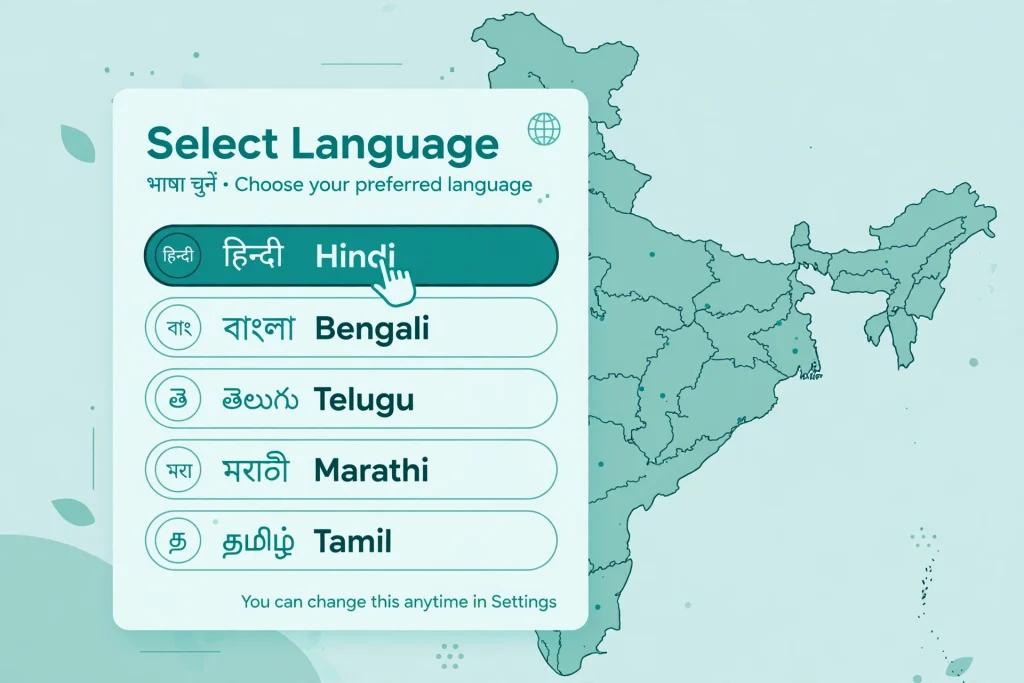
Step 6: Add the language switcher. Place it where visitors can find it, usually top right in the header. Use language names in their own script, such as हिन्दी and தமிழ், not just “Hindi” and “Tamil” in English. A visitor should recognise their language instantly.
Step 7: Test everything as a visitor. In a private browser window, switch to Hindi, click every menu item, and fill in the contact form. Check the mobile view, because long Hindi words can break layouts designed for English.
Multilingual SEO: Getting Found in Every Language
Translation without SEO is invisible. Google needs clear signals to rank each language version for the right searches.
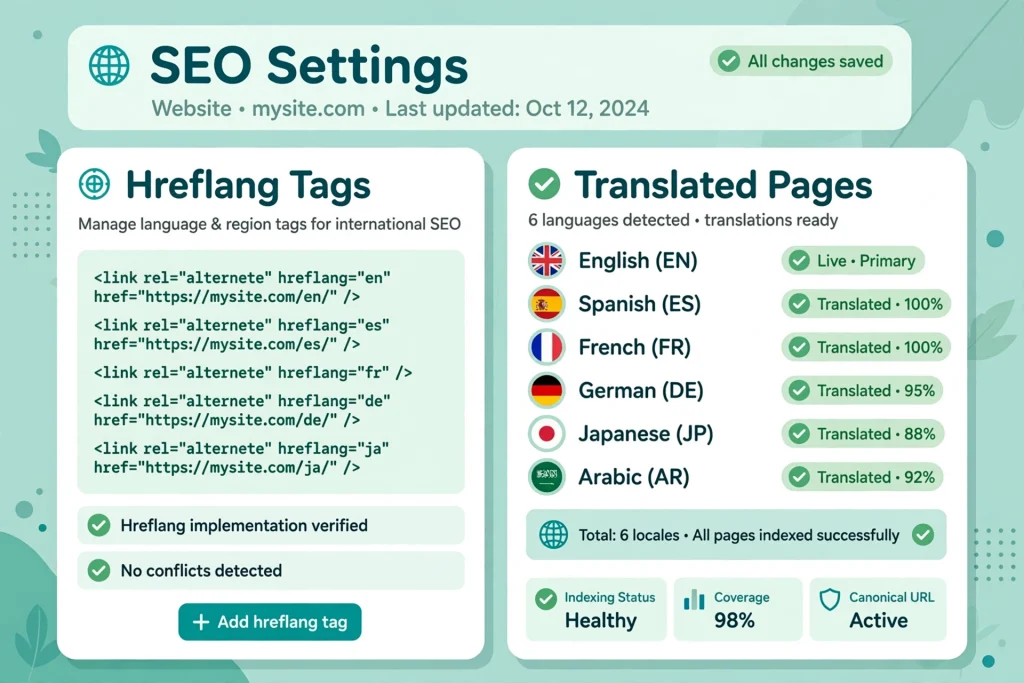
Hreflang tags tell Google which language and region each page targets, and a good plugin adds them automatically. Your English page points to the Hindi version and back. Check they exist by viewing a translated page’s source and searching for hreflang.
URL structure: use one structure and stay consistent. Subdirectories are best: yoursite.com/hi/ for Hindi and yoursite.com/ta/ for Tamil. Subdomains split your domain authority, and separate country domains are only for large companies. Never use URL parameters like ?lang=hi.
Translated slugs and meta data: translate your URL slugs, SEO titles and meta descriptions. A Hindi page needs a Hindi slug and meta description, not English ones. Many sites fail here: they translate the body but leave the SEO title in English, so the page never ranks for Hindi searches. Set the focus keyword in the target language in Rank Math or Yoast.
Sitemaps and duplicate content: your XML sitemap should include every language version of every page, with hreflang annotations. Polylang and WPML handle this automatically. Google does not penalise translated content as duplicate content, because it is genuinely different content in a different language.
For more on writing content that ranks in Indian languages, read our guide on Regional Language Content for Indian Brands.
Translation Quality and Cost
Translation quality decides whether your multilingual site builds trust or destroys it. Bad translation is worse than no translation.
Machine translation tools like Google Translate and DeepL are fast and cheap, often free for small volumes. But they still make mistakes with idioms, brand tone, and context, so use them only as a first draft, never as the final published text.
Human translation costs about Rs 1 to Rs 3 per word for Indian languages. A 1,000 word page therefore costs roughly Rs 1,000 to Rs 3,000. It is accurate and aware of cultural nuance, and it is the right choice for your home page, product pages, pricing, and legal pages.
The hybrid approach suits most businesses: machine translation for the first draft, then a human editor to review and fix it. This costs about half of full human translation and delivers about 90 percent of the quality. Use full human translation for your top ten money pages and the hybrid approach for blog posts.
Never machine translate alone: your home page headline, pricing and refund policy, checkout pages, brand story, and any medical, legal or financial claims. A mistranslated refund policy is a customer complaint waiting to happen.
Non WordPress Routes: Shopify, Wix and Custom Builds
Not every Indian business runs WordPress. Shopify Markets is the simplest route for ecommerce stores: it handles multiple languages, currencies and domains in one dashboard. Our comparison of Ecommerce Website Development in India: Platforms and Costs covers the platform choice in detail.
Wix Multilingual is easy for small business sites, but SEO control is weaker than WordPress. Custom builds with Next.js and libraries like next-intl give developers full control, which suits funded startups but is overkill for a small business that just needs Hindi and Tamil versions of a brochure site. Whatever platform you choose, the principles stay the same: pick languages by audience, translate properly, and set up hreflang correctly.
Maintenance Checklist and Budget
A multilingual website is not a one time project: every time you update the English page, the translated pages fall behind. Use this monthly checklist:
- Review English pages that changed this month and update the matching translations.
- Test the language switcher on desktop and mobile after every site change.
- Check Google Search Console for hreflang errors and missing translations.
- Review your top five translated pages for outdated prices, offers or phone numbers.
- Once a quarter, ask a native speaker to read your top pages and flag awkward phrasing.
Assign one person to own this checklist. A Hindi page advertising a 2024 offer in 2026 damages trust fast.
For budgeting, a small business site with English plus Hindi typically costs Rs 25,000 to Rs 65,000 in the first year. The plugin costs little or nothing with Polylang free. Human translation of ten core pages costs roughly Rs 10,000 to Rs 30,000, hybrid translation of twenty blog posts adds roughly Rs 10,000 to Rs 20,000, and a developer may charge Rs 5,000 to Rs 15,000 for setup if you do not do it yourself. For a full picture of website costs, see our guide on Website Development Cost in India 2026.
Start small and measure the results. Track enquiries by language using separate contact forms or UTM parameters. When Hindi enquiries arrive, the case for adding Tamil or Bengali writes itself.
FAQ
How many languages should an Indian business website support?
Start with English plus one Indian language, usually Hindi, then add more based on your customer data. Two excellent languages beat five poor ones.
Is machine translation good enough for an Indian business website?
Machine translation works as a first draft, not as the final text. Have a human editor review every page before publishing, and always fully human translate your home page, pricing and checkout pages.
Will a multilingual website hurt my SEO?
No, it helps when done correctly. Translated pages rank for searches in their own language. The key is correct hreflang tags, translated slugs and meta descriptions, and unique content in each language.
Which is the best multilingual plugin for WordPress in India?
Polylang is the best free option and suits most small businesses. WPML is the most powerful and suits large sites and ecommerce stores. TranslatePress is the easiest to use thanks to its visual editor.
How much does it cost to make a website multilingual in India?
Budget roughly Rs 25,000 to Rs 65,000 in the first year for English plus Hindi. The main cost is human translation at about Rs 1 to Rs 3 per word.
Do I need separate domains for each language?
No. Subdirectories such as yoursite.com/hi/ are best: they are easy to manage and keep all your SEO authority on one domain.
Conclusion
A multilingual website is one of the highest return investments an Indian business can make in 2026. Only 10 to 12 percent of Indians use English as a primary language, while Hindi internet users number about double the English users.
Start with your audience data, pick the language your customers speak, choose a plugin that fits your budget, and translate your money pages properly. Set up hreflang, translate your slugs and meta descriptions, and keep translations in sync. Your competitors are still debating whether to translate. Launch first.
