

Introduction
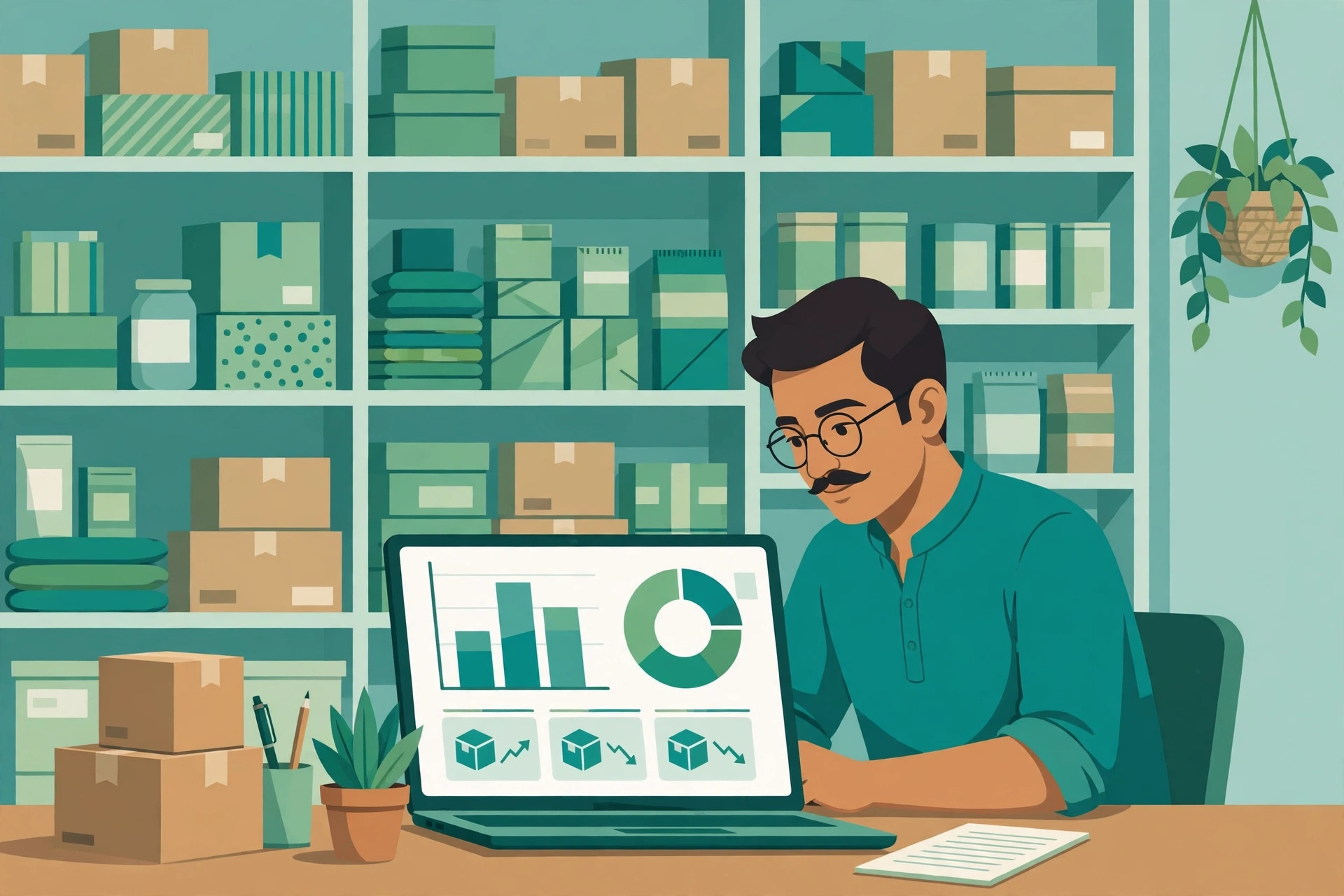
Every small business owner in India knows the same painful moment. A customer asks for a product, you are sure it is in stock, and then nobody can find it. Or the opposite happens. You order more stock, only to discover a full shelf hidden in the godown. Both problems cost money, and both are completely avoidable with the right inventory management software.
Inventory management software India buyers choose in 2026 should do much more than count boxes. It should connect purchases, sales, billing, stock levels and reports in one place. It should work when the internet is slow, handle GST correctly, and stay simple enough for a small team to use every day. That is a very different test from simply picking the cheapest plan.
This guide is written for Indian retailers, wholesalers, online sellers and small manufacturers. It compares Vyapar, Zoho Inventory, TallyPrime, Marg ERP and ProfitBooks, and gives you a practical decision framework covering total cost, migration, a 30-day rollout plan, and common mistakes. By the end, you will know which type of tool fits your business.
Why Inventory Software Matters More in 2026
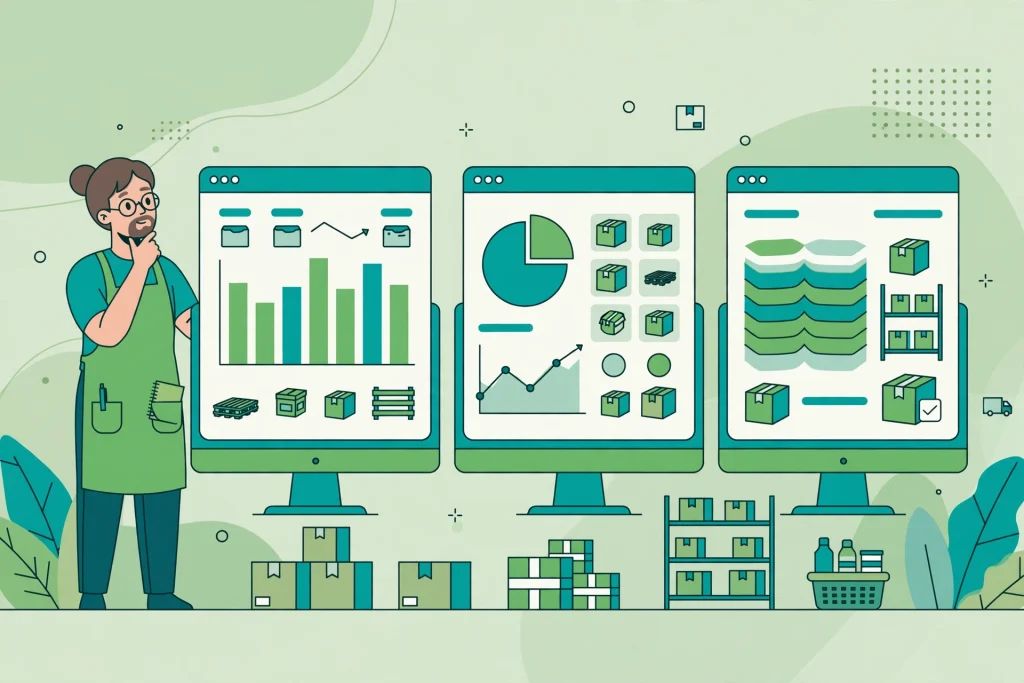
Small businesses now sell through more channels than ever before. A shop may sell at the counter, on WhatsApp, on Amazon or Flipkart, and through its own website. Without a central system, each channel keeps its own version of stock, and errors multiply quickly.
Good inventory software prevents four losses:
- Dead stock that sits unsold because nobody noticed it was piling up
- Stockouts that send customers to a competitor
- Billing errors that create GST and accounting problems later
- Time wasted on manual counting, phone calls to suppliers, and spreadsheet updates
Accurate stock data also helps growth. You can order with confidence, plan for festivals and seasonal demand, and negotiate better with suppliers because you know what sells and at what margin.
For the billing side, read our guide to GST billing software for Indian small businesses.
A Decision Framework by Business Type
Most ranking lists only compare prices. That is not enough, because a tool that works well for a single retail shop may fail for a wholesaler with three godowns. Start with your business type, then shortlist.
Retailers
A retailer needs fast billing, barcode support, low stock alerts, and a simple daily sales report. The software should handle walk-in customers quickly, even during a rush. If you run one or two shops, ease of use matters more than advanced warehouse features.
Wholesalers and Distributors
A wholesaler needs multi-godown stock tracking, batch and expiry management, party-wise pricing, credit tracking, and bulk billing. Stock transfers between locations must be easy to record, or the reports will never match reality.
Online Sellers
An online seller needs marketplace sync with Amazon, Flipkart and Meesho, plus website order sync. Without this, stock shown online will be wrong, leading to cancellations, penalties and unhappy customers. Courier and shipping integration is a useful bonus.
Small Manufacturers
A manufacturer needs bills of materials, production entries, and raw material tracking. Finished goods should be created from raw materials in the system, not just typed in as a purchase. If the software cannot handle production, it will not fit a factory, however good its billing looks.
Use this framework first. It will save you from buying a popular tool that solves someone else’s problem.
Comparing Vyapar, Zoho Inventory, TallyPrime, Marg ERP and ProfitBooks
Vyapar
Vyapar is built for small Indian businesses and is popular with retailers and small wholesalers. It offers GST billing, inventory tracking, and a mobile app that many shop owners find easy to use. It works well for single-location businesses and for owners who want to manage billing from a phone. Its limits appear when a business needs deep multi-warehouse control or complex manufacturing features. Check whether its marketplace integrations cover every channel you sell on before deciding.
Zoho Inventory
Zoho Inventory suits businesses that already sell online or plan to grow online. It offers strong order management, marketplace integrations, multi-warehouse support, and connections to other Zoho apps for accounting and customer management. It is a good fit for online sellers and growing brands. It is less focused on traditional Indian wholesale billing habits, so a business that relies heavily on local credit practices and party-wise ledgers should test it carefully during a trial.
TallyPrime
TallyPrime is the most familiar name in Indian accounting, and many accountants already know it. It combines accounting, GST compliance and inventory in one trusted system, with strong reporting and multi-godown support. For businesses where the accountant drives the software choice, TallyPrime is often the safest option. Its interface feels older than newer cloud tools, and mobile and marketplace features are not its strongest area. If your team is comfortable with Tally, that familiarity is a real advantage.
Marg ERP
Marg ERP is widely used by distributors, pharmacies, FMCG traders and wholesalers across India. It handles complex pricing, schemes, batch and expiry tracking, and multi-location stock with depth. It is a strong choice for distribution-heavy businesses. Smaller retailers may find it more detailed than they need, and setup may take more time. For a wholesaler, that depth is the point, not a drawback.
ProfitBooks
ProfitBooks is a simpler, budget-friendly option for very small businesses that need basic inventory and accounting together. It is useful when the main goal is to move away from spreadsheets without paying for advanced features. Growing businesses should check its limits on multi-warehouse stock, marketplace sync and advanced reporting, so they do not outgrow it within a year.
No single tool wins for everyone. The right choice depends on your channels, your locations, and how your team actually works.
India Specific Features You Must Check
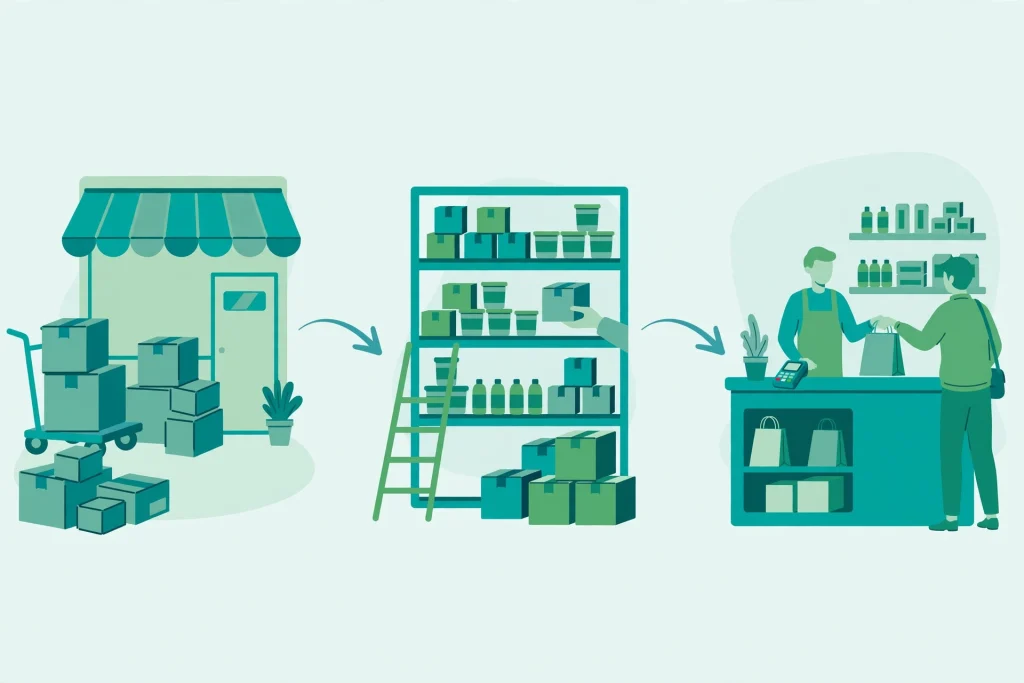
Before you shortlist any tool, test these India specific points during the trial, not after purchase:
- GST billing, GST returns support, e-invoicing readiness, and correct tax rates by product
- Offline use, or at least reliable behaviour when the internet drops in your shop or godown
- Marketplace sync for every platform you sell on, with real time stock updates
- Multi-godown and multi-location stock, including transfers and location-wise reports
- A usable mobile app for checking stock, raising a purchase order, or billing on the move
- Support for Hindi or regional language invoices, if your customers need them
- Data backup, data export, and clear ownership of your own business data
A tool that fails on GST or offline use will create daily friction, even if its price looks attractive. Ask the vendor to demonstrate each point with your own products, not with demo data.
Total Cost: Look Beyond the Monthly Price
Price lists are misleading because they rarely show the full cost. When comparing tools, add up the real total for one year:
- Subscription or licence cost, plus GST on the subscription
- Extra users, extra locations, or extra marketplace connections
- Implementation help, data migration, and staff training
- Hardware, such as a barcode scanner, printer, or a better computer
- Renewal price after any first-year discount ends
A low monthly plan with paid add-ons can cost more than a higher plan that includes them. Also ask what happens if you stop paying. Can you still export your data? A tool that locks your data is expensive, even when it looks cheap.
For teams choosing other business tools at the same time, it helps to compare feature priorities first. Our guide to the best business software features to look for explains how to separate essential features from nice extras before you commit to any vendor.
Migrating from Registers and Spreadsheets
Migration is where most small businesses get stuck, but it does not need to be painful. The goal is a clean start, not a perfect transfer of ten years of messy records.
Follow these steps:
- Freeze one clean stock count. Count physical stock, location by location, and record it carefully.
- Clean your product list. Merge duplicate names, fix spellings, and set one unit of measurement per product.
- Import opening stock, customers, suppliers and outstanding balances in small batches, and check each batch.
- Run the old register and the new software side by side for one or two weeks, then compare totals.
- Train one champion in your team first, then let that person train the rest of the staff.
Do not import every old spreadsheet error into the new system. A fresh, verified opening balance is worth far more than a complete but unreliable history. If a supplier or customer record is uncertain, verify it before import.
A 30-Day Rollout Plan That Actually Works
A short, disciplined rollout beats a rushed launch. Here is a plan that works for most small teams:
- Days 1 to 3: Finalise the tool, set up the company profile, GST details, and user roles.
- Days 4 to 7: Create the product master, suppliers, customers, godowns and tax settings.
- Days 8 to 12: Count stock, import opening balances, and test billing with real products.
- Days 13 to 18: Connect marketplaces or your website, test stock sync, and fix mismatches.
- Days 19 to 24: Train staff, write a one-page process for billing, purchases and stock transfers.
- Days 25 to 30: Go live fully, check daily reports, and hold a short review meeting each evening.
Keep the old system available during this month, but stop updating it once the new system is verified. Two live systems for too long create confusion and double work.
If your team also uses collaboration tools, align the rollout with how work is assigned and tracked. Our guide to project management tools for Indian small teams can help you keep training tasks, deadlines and ownership clear during the switch.
Mistakes to Avoid
- Choosing on price alone, then discovering that GST, offline use or marketplace sync is missing
- Buying advanced features your team will never use, while ignoring basic billing speed
- Skipping the physical stock count and importing guessed opening balances
- Giving every staff member full access, instead of setting clear roles and permissions
- Not testing the mobile app in your actual shop, where network coverage may be weak
- Ignoring data export, then finding you cannot leave the tool later without losing history
- Launching during your busiest festival week, when staff have no time to learn
Most of these mistakes are avoidable with a two-week trial using your own products, customers and daily workflow.
FAQ
What is the best inventory management software for a small shop in India?
It depends on your business type. Vyapar and ProfitBooks suit many single shops, TallyPrime suits businesses that need strong accounting and GST reporting, Zoho Inventory suits online sellers, and Marg ERP suits distributors. Shortlist by business type, then test billing speed, GST handling and offline behaviour with your own products.
Can inventory software work without internet?
Some tools offer offline billing and sync when the connection returns, while purely cloud tools need stable internet. If your shop or godown has weak connectivity, test offline behaviour during the trial. Do not rely on a vendor claim alone. Test it in your actual location.
Does inventory software handle GST billing?
Most Indian tools do, but the depth varies. Check GST invoice formats, tax rates, returns support, and e-invoicing readiness for your turnover level. Ask your accountant to review a sample invoice before you buy.
How long does it take to switch from spreadsheets to inventory software?
Most small businesses can complete a clean switch in about 30 days, including stock counting, setup, training and a short parallel run. The stock count usually takes the longest, so start it early and keep the product list simple.
Should I choose cloud software or desktop software?
Cloud software gives you mobile access, automatic backups and marketplace sync, but it needs internet. Desktop software can feel more reliable offline, but backups and remote access need more care. Many small businesses now prefer cloud tools, provided offline billing works well enough for their location.
Is free inventory software enough for a small business?
Free tools can work for a very small shop with one location and simple billing. As soon as you add marketplaces, multiple godowns, batch tracking or detailed reports, a paid plan usually pays for itself through fewer stock errors and less manual work.
Conclusion
The best inventory management software for Indian small businesses in 2026 is not the most popular or cheapest tool. It is the tool that fits your business type, handles GST and offline use reliably, syncs every channel you sell on, and stays simple enough for your team to use daily.
Start with your business type, shortlist two tools, and test them with real products for at least two weeks. Check total cost including GST, count your stock properly, and follow a 30-day rollout plan. Done this way, inventory software protects your stock, your margins, and your customers trust.

1 Comment
Pingback: Best POS Software in India for Small Businesses in 2026