

Introduction
For an Indian small business, billing is not just about printing an invoice. Every invoice feeds into GST returns, stock records and payment follow up. When billing is done in a notebook or spreadsheet, errors creep in: a wrong GST rate, a missing HSN code, a duplicate invoice number, or a sale in the wrong month. Those errors surface at filing time, when weeks of sales must be reconciled in a hurry.
Good GST billing software removes most of that friction. It creates GST compliant invoices, applies the right tax rates, tracks stock and receivables, and produces return summaries. But the cheapest or most advertised product is not always the right fit. A retail shop, a freelance designer, a trading firm and a distributor have very different needs, even though all need GST compliance.
This guide covers a decision framework, what each leading option is best for, GSTR-1 and GSTR-3B in plain language, migration, CA handover, and hidden costs.
Why GST Billing Software Matters More Than a Bill Book
A GST invoice must carry supplier and buyer GSTIN where applicable, invoice number and date, item description, HSN or SAC code, quantity, taxable value, GST rate, and the CGST, SGST or IGST breakup. Entering these manually every time invites mistakes, especially on busy days.
Billing software stores your items, customers, tax rates and invoice formats once, then reuses them. That improves accuracy, speeds up counter billing, and creates a clean digital trail. You can see who has paid and who is overdue, stock updates as you bill, and month end data can be exported in minutes instead of reconstructed from scattered records.
A Decision Framework: Business Type, Volume and Offline Need
Start with your business type, because it decides which features matter most.
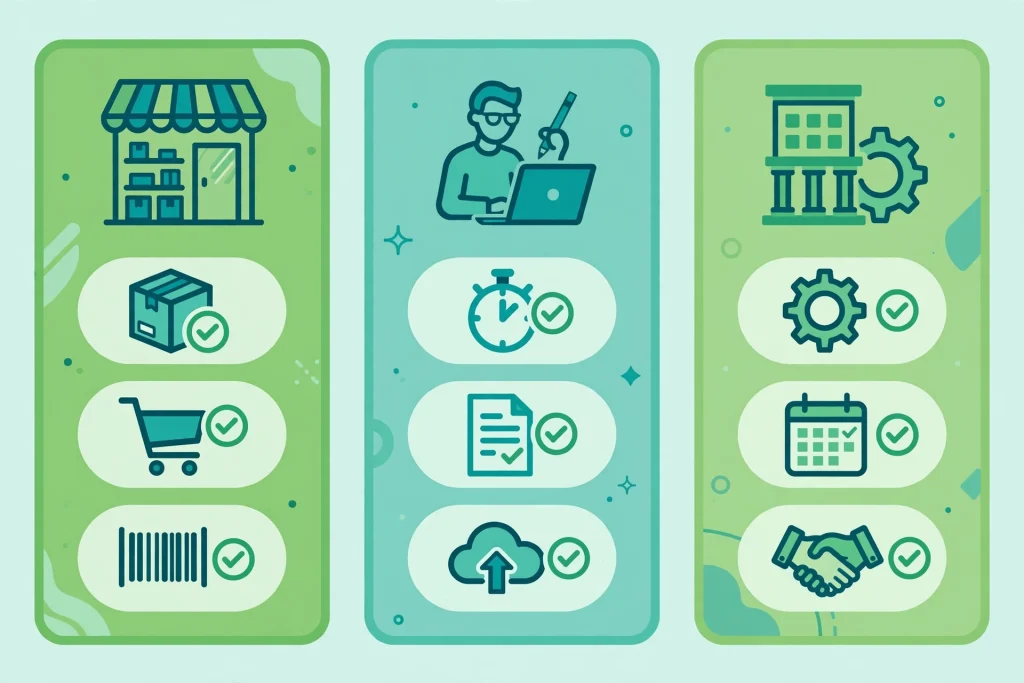
- Retail shop: Fast billing, barcode support, easy stock tracking, and a simple way to handle walk in customers.
- Freelancer or consultant: Clean professional invoices, expense tracking, payment reminders, and simple reports for income tax filing.
- Service firm: Recurring invoices, quotations, client wise tracking, and a clear view of pending payments.
- Trader: Purchase bills, stock by godown or batch where relevant, credit notes, and supplier payment tracking.
- Distributor: Multi location or multi user access, dealer price lists, scheme and discount handling, and strong stock and ledger reports.
Next, consider volume and users. A business issuing ten invoices a month can manage with a simple, low cost tool. One issuing hundreds a month needs bulk entry, fast search, barcode scanning, and reliable performance under load, plus access for every staff member who bills or manages stock.
Offline need is often decisive. If your shop has patchy internet, a tool that works offline and syncs later will prevent billing delays. If you always have stable internet, a cloud tool offers access from anywhere and automatic backups. If you use a separate customer tool, a guide to the best CRM software for Indian SMEs in 2026 can help you decide whether your billing tool should integrate with it.
Finally, check the e-invoicing threshold for your turnover. It applies above a notified annual turnover limit, which has changed over time. If you are near or above it, choose software with e-invoice and IRN support. If you are well below it, do not pay extra for those features yet.
What Each Leading Option Is Actually Best For
Price lists often rank software by cost alone. That misses the point. Here is what each leading option is generally best for.
Vyapar is best for small shops, traders and service businesses wanting simple, fast mobile and desktop billing, with stock tracking, payment reminders and WhatsApp invoice sharing.
TallyPrime is best for businesses wanting deep desktop accounting control. It is widely used by accountants across India, which smooths CA handover, and it handles inventory, ledgers and detailed reports for traders, manufacturers and distributors.
Zoho Books is best for service firms, freelancers and growing businesses preferring a cloud system, with invoicing, expense tracking, client portals, recurring invoices and other Zoho app integrations.
BUSY is best for trading, distribution and manufacturing businesses needing strong desktop inventory and billing control, including multi location stock and customisable formats for dealer pricing and schemes.
myBillBook is best for very small businesses, kirana stores and new traders wanting a simple, low cost, mobile first billing app covering invoices, stock and payment reminders.
Swipe is best for small businesses wanting quick, simple GST billing from a phone, with easy invoice sharing and basic stock tracking.
No single option wins for everyone. A freelancer who picks a heavy inventory system pays for unused features, while a distributor who picks a minimal app will soon hit limits on stock, pricing and reporting.
GSTR-1 and GSTR-3B in Plain Language
GST returns confuse many owners because the names sound technical. In simple terms, GSTR-1 and GSTR-3B are two sides of the same monthly or quarterly story.
GSTR-1 is where you report outward supplies, meaning the sales you made. It lists business to business invoices, large business to consumer invoices where required, credit and debit notes, and exports if any. Think of it as telling the tax department what you sold and what tax you charged.
GSTR-3B is the summary return where you report total sales and purchases, the tax collected on sales, and the input tax credit claimed on purchases, then pay the net tax due. Think of it as the final calculation: tax collected, minus tax already paid on purchases, equals tax to pay or carry forward.
Good software helps with both. It should generate a clean GSTR-1 summary, flag missing customer GSTINs for business sales, produce the sales and purchase figures your CA needs for GSTR-3B, and handle credit notes properly, so returns and rate corrections flow into the returns. Before buying, ask the vendor to show the GSTR-1 export and sales summary report.
How to Migrate Without Losing Records
Switching software feels risky because years of customer, item and ledger data sit in the old system. A planned migration removes most of that risk.
- Export your masters first: customers, suppliers, items with HSN codes and rates, opening stock and outstanding balances.
- Clean the data before import: remove duplicate customers, fix wrong GSTINs, and correct item rates.
- Choose a cutover date, ideally the start of a month or quarter, and stop new entries in the old system from that date.
- Import masters and opening balances into the new software, then check totals against the old system.
- Run a parallel week if volume allows, comparing daily totals between the old and new systems.
- Train every staff member who will bill, manage stock or view reports, and record who handles corrections, credit notes and month end checks.
Keep old data accessible for a few years after migration, in case your CA or a tax query needs it.
Working With Your CA: The Handover That Saves Time
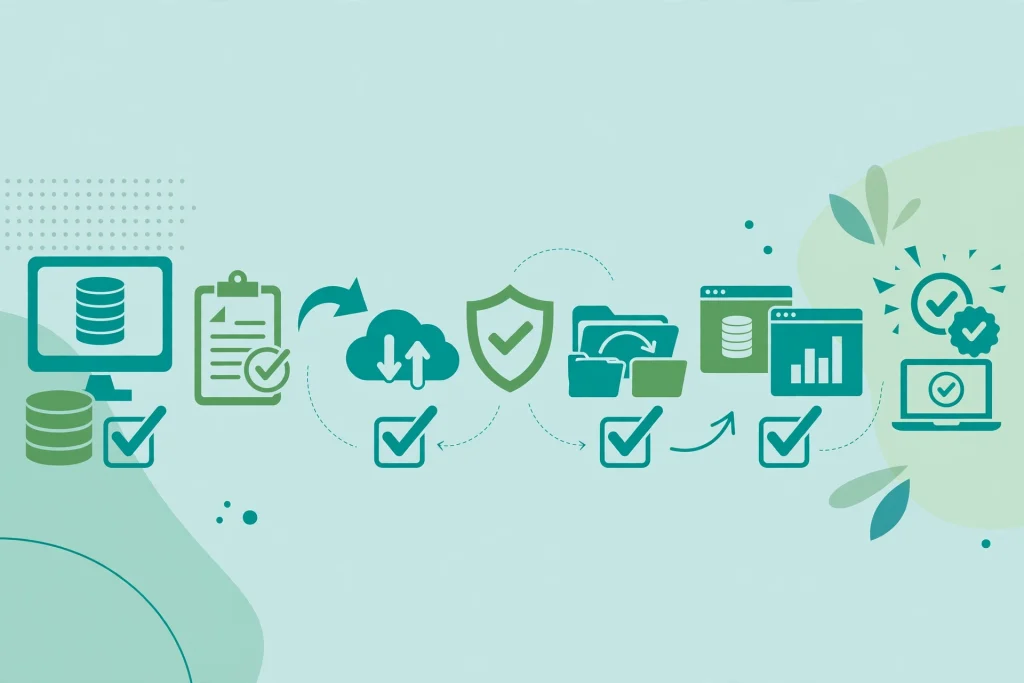
Your CA needs clean, complete and timely data. Agree on a simple monthly routine: sales register, purchase register, credit and debit notes, and the GSTR-1 summary, with clear owners for each report and for reconciling input tax credit with purchase bills. If the software offers accountant access, use it rather than sending files over chat apps, which creates version confusion. Also agree on corrections: a cancelled invoice, rate change or returned item should go through a proper credit note, not a quiet edit or deletion of the original invoice.
Hidden Costs to Check Before You Buy
The headline price rarely tells the full story. Check these costs before committing.
- Per user or per branch charges: A low base price can rise quickly when you add staff, branches or godowns.
- Renewal pricing: Introductory pricing may jump at renewal, so ask for the renewal price in writing.
- Add on modules: E-invoicing, payroll, advanced inventory or multi location support may be paid extras.
- Data export limits: Some tools charge for bulk export or restrict it on lower plans. You should always be able to take your own data out.
- Support and updates: Check whether support is available by phone, chat or email, and whether GST updates arrive promptly when rules change.
- Training and setup: Ask whether onboarding, data import help and staff training are included or billed separately.
- Security and backup: Confirm how data is backed up, who can access it, and what happens if you stop renewing. For a broader view, see these essential cybersecurity practices for Indian SMEs.
Prices here are indicative ranges only. Vendors revise plans often, so always check the vendor’s own pricing page before buying, and compare the plan matching your user count and features, not just the cheapest plan. For cloud trade offs, see this overview of cloud computing for Indian SMEs.
Frequently Asked Questions
Which GST billing software is best for a small retail shop in India?
A simple tool with fast billing, barcode support, stock tracking and payment reminders works best. Vyapar and myBillBook suit this profile, while TallyPrime or BUSY suit shops needing deeper accounting or multi location control.
Do I need separate accounting software if I use billing software?
Not always. Many billing tools include basic accounting, ledgers and GST reports. With complex accounting, payroll or multi branch consolidation, your CA may still prefer a full accounting system, with billing feeding into it.
Can I use GST billing software offline?
Some desktop and mobile tools support offline billing and sync when internet returns. Cloud only tools need a stable connection, so test offline billing during the trial if your internet is unreliable.
What happens to my data if I stop paying for the software?
This depends on the vendor. Some allow read only access or full export after expiry, while others lock access quickly. Check the export policy and download a full backup before renewal ends.
Is e-invoicing mandatory for all small businesses?
No. It applies above a notified turnover threshold, which has changed over time. Check the current threshold, and choose software with e-invoicing support if you are near or above it.
How long does it take to switch to new billing software?
For a small business with clean data, setup and training often take a few days. For a trader or distributor with large stock masters and multiple branches, allow two to four weeks, including a parallel run.
Conclusion
The best GST billing software for your business is not the most popular or cheapest one. It is the one that fits your business type, handles your invoice volume, works with your internet reality, supports GST filing, and lets your CA work with clean data.
Start with the framework: define your business type, count monthly invoices, decide user numbers, and check offline and e-invoicing needs. Shortlist two options, trial them with real items and customers, and check the GSTR-1 summary, renewal price and export policy before you pay. A careful week of selection will save months of corrections and filing stress.

4 Comments
Pingback: Best Inventory Management Software for Indian Small Businesses in 2026: How to Choose
Pingback: Best Payroll Software for Indian Small Businesses in 2026: How to Choose
Pingback: Best Invoicing Software for Indian Small Businesses in 2026
Pingback: Best POS Software in India for Small Businesses in 2026